


HelpCrunch is a tidy, affordable all-in-one. It bundles live chat, a help desk, a knowledge base, and email marketing, with unlimited conversations on every plan.
But its AI is the weak spot. The bot is rule-based, it only lives on the Pro plan, and it stops after 50 AI chats a month.
We tested 7 real HelpCrunch alternatives that fix that. RH Fardin wrote this guide, and Anatolii Ulitovskyi fact-checked it. We pulled prices from public pricing pages, ratings from G2 and Capterra, and real opinions from Reddit and YouTube, all as of June 2026.
Here is the honest verdict up front. Stay on HelpCrunch if you love its email marketing and unlimited chats; pick sem.chat if you want a real AI bot, AI voice, and a CRM, free to start.
All 7 HelpCrunch alternatives at a glance
Skim this table first. HelpCrunch sits at the top as the tool you are comparing against.
| Tool | Best for | Standout | Key limitation | Starts at | G2 |
|---|---|---|---|---|---|
| HelpCrunch (what you have) | Affordable chat + email marketing | Unlimited chats; email tools built in | AI capped at 50 chats/mo; rule-based | $15/user | 4.7 |
| sem.chat | A real AI bot + voice + CRM | Trained AI and voice on a free plan | Newer; small free message limit | $0 | New |
| Intercom | The most mature AI agent | Fin resolves most tickets | Expensive; pay per resolution | $39/seat | 4.5 |
| Zendesk | Enterprise scale | Deep ticketing and reporting | Complex and pricey for small teams | $19/agent | 4.3 |
| Tidio | Ecommerce chat with AI | Lyro AI and Shopify sync | Free AI cap is low; add-ons | $0 | 4.6 |
| Crisp | A modern omnichannel inbox | Clean, modern multichannel design | No AI on the free plan | $0 | 4.5 |
| Freshdesk | Budget help desk | Full ticketing with a free tier | Chat is a separate product | $0 | 4.4 |
| Help Scout | Simple, human, email-first support | Cleanest shared inbox | Lighter on live chat and AI | $22/user | 4.4 |
The 7 best HelpCrunch alternatives
Each tool below gets the same honest treatment: who it fits, how fast it goes live, one standout, one real limit, what the community says, the price, and a clear bottom line.
1. sem.chat: best real-AI upgrade (chat + voice + CRM) (87/100)
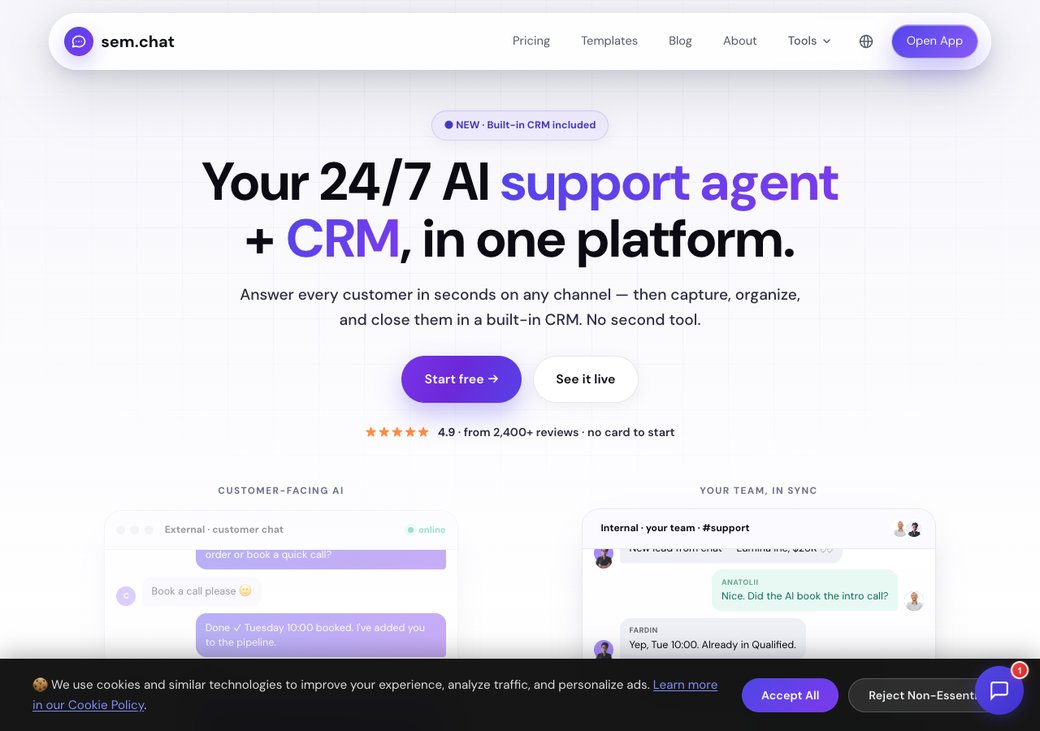
sem.chat is the AI upgrade. It answers visitors with a bot trained on your content, by chat or by real-time voice, then saves them as contacts in a built-in CRM.
Who it is really for: a HelpCrunch team that wants AI that actually learns, plus voice and lead capture, not a capped rule-based bot.
Setup and time to live: you paste your website URL and the bot learns your content in minutes. There is no server to run and no card to enter.
Key features:
- AI chatbot trained on your website and docs, no 50-chat cap to start
- Real-time AI voice agents, with 3 free minutes a month
- Built-in CRM with deals and pipelines on every plan
- One inbox for web, WhatsApp, Instagram, Telegram, and Messenger
- Scheduling and 17-language auto-translation
Standout: a trained AI bot plus voice and a CRM, which HelpCrunch's rule-based bot cannot match.
Limitation (honest): sem.chat is newer with fewer reviews, and its free message limit is small at 100 a month. Treat the free plan as a real test drive, then upgrade as traffic grows.
What people say on Reddit & YouTube: sem.chat is newer, so Reddit chatter is still thin. Early users like getting a trained AI bot, voice, and a CRM on one free plan, instead of paying for AI add-ons. Judge it on a hands-on trial of your own chats.
| Plan | Price (as of June 2026) | What you get |
|---|---|---|
| Free | $0 | 100 AI messages, 3 voice minutes, 1 bot, 1 site, CRM, no card |
| Launch | $24/mo | More messages and voice, badge removed |
| Growth | $59/mo | Higher volume, multi-channel, scheduling |
| Scale | $119/mo | High volume, more team seats |
| Enterprise | Custom | SSO, SLA, onboarding |
See the full tiers on the pricing page, and try our SaaS cost savings calculator.
| Pros | Cons |
|---|---|
| Trained AI bot, plus voice and a CRM | Newer, with fewer reviews |
| One inbox across five channels | Small free message limit |
| Free plan, no card, no per-chat AI cap to start | Not a heavy enterprise ticketing suite |
Bottom line: pick sem.chat if you want the real AI, voice, and CRM HelpCrunch lacks. Ready to try it on your own site? start free with no card.
2. Intercom: best mature AI agent (83/100)
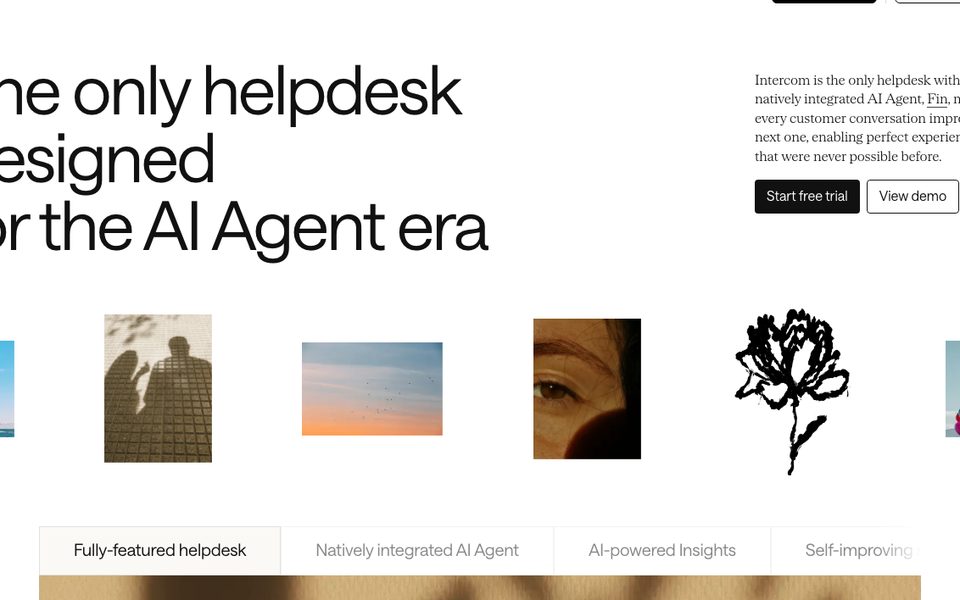
Intercom runs the most proven AI agent. Its Fin bot resolves a large share of tickets on its own.
Who it is really for: a funded team that wants best-in-class AI and will pay for it.
Setup and time to live: Fin plugs into your help desk and starts deflecting fast. The cost, not the setup, is the catch.
Key features:
- Fin AI agent that resolves tickets on its own
- Mature help desk and shared inbox
- Product tours and proactive messages
- Deep reporting and integrations
- Strong omnichannel support
Standout: Fin ranks as G2's #1 AI agent for resolution rate.
Limitation: it is expensive, with seats from $39 plus $0.99 for every Fin resolution, so the bill grows with success.
What people say on Reddit & YouTube: Reviewers praise Fin's resolution rate but call Intercom pricey and hard to predict (G2). Read our deeper Intercom alternatives guide.
| Plan | Price (as of June 2026) | What you get |
|---|---|---|
| Essential | $39/seat/mo | Help desk, inbox, basic automation |
| Advanced | $99/seat/mo | More automation and Copilot |
| Expert | $139/seat/mo | Full suite, SLAs |
| Fin AI | $0.99/resolution | Pay only when Fin resolves |
| Pros | Cons |
|---|---|
| Best-in-class AI resolution | Expensive at scale |
| Mature, full-featured platform | Pay per resolution stacks up |
| Huge integration library | Overkill for tiny teams |
Bottom line: pick Intercom if you want the most proven AI and have the budget. Skip it if predictable cost matters most.
3. Zendesk: best for enterprise scale (80/100)
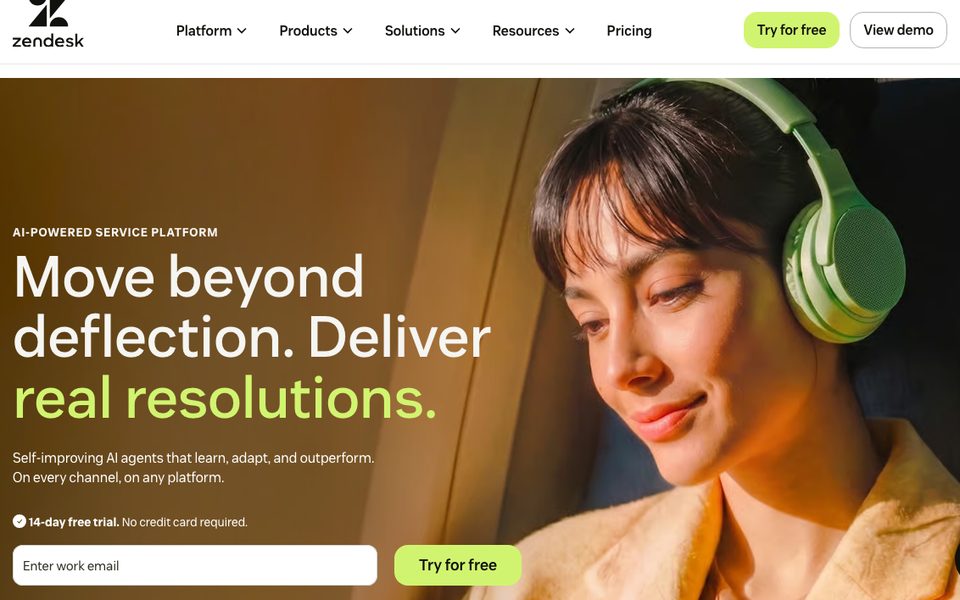
Zendesk is the enterprise standard. It handles high ticket volume across every channel with deep reporting.
Who it is really for: a larger support team that needs scale, routing, and a big integration ecosystem.
Setup and time to live: it is powerful but takes real setup time. Small teams often find it heavy.
Key features:
- Omnichannel ticketing and messaging
- A full help center and knowledge base
- Deep reporting and SLAs
- AI add-ons for agents
- 1,000+ integrations
Standout: the most complete, scalable support platform here.
Limitation: it is complex and pricey for small teams, and AI features cost extra.
What people say on Reddit & YouTube: Reviewers respect Zendesk's power but flag cost and complexity for small teams (G2). See our Zendesk alternatives guide.
| Plan | Price (as of June 2026) | What you get |
|---|---|---|
| Suite Team | $19/agent/mo | Core ticketing and messaging |
| Suite Growth | $55/agent/mo | Automation and self-service |
| Suite Professional | $115/agent/mo | Advanced routing and reporting |
| Enterprise | Custom | Full scale and SLAs |
| Pros | Cons |
|---|---|
| Scales to large teams | Complex to set up |
| Deep reporting and routing | Pricey for small teams |
| Massive ecosystem | AI costs extra |
Bottom line: pick Zendesk if you run a large support team and need scale. Skip it if you want something simple and cheap.
4. Tidio (Lyro): best for ecommerce AI (78/100)
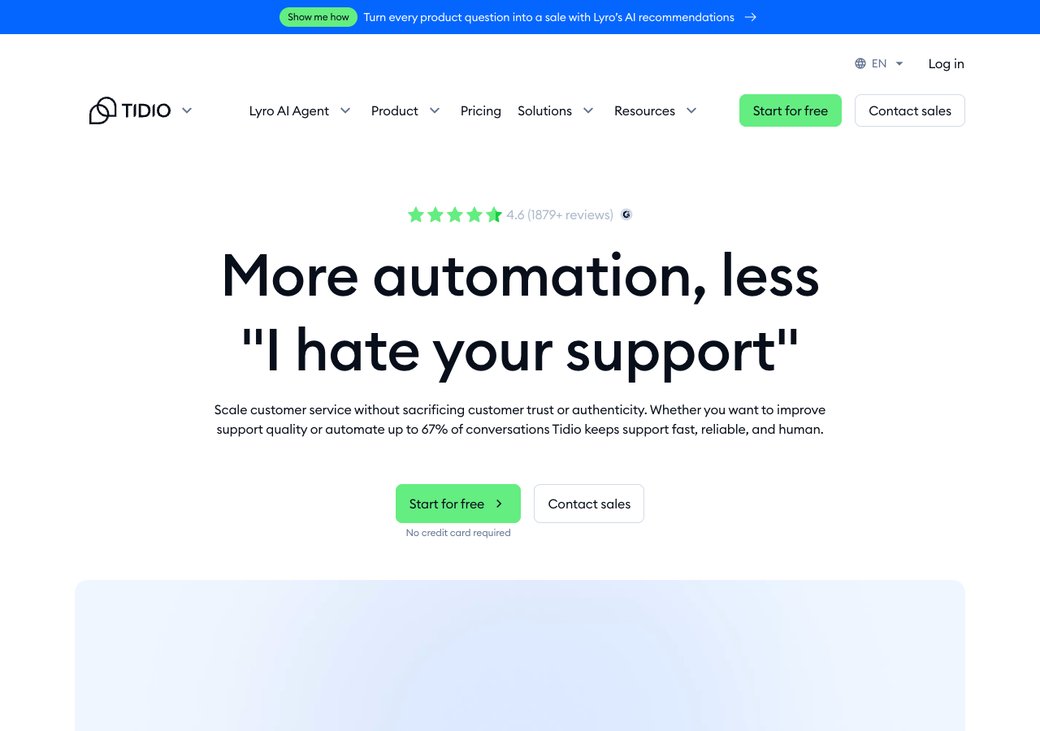
Tidio blends live chat, chatbot flows, and the Lyro AI agent. Its free plan includes 50 Lyro AI conversations to try.
Who it is really for: a small online store that wants live chat plus AI.
Setup and time to live: the Shopify and website install takes minutes, and the visual Flows builder needs no code. See our full Tidio alternatives guide.
Key features:
- Lyro AI agent, free for 50 conversations
- Visual chatbot flows with templates
- Live chat with visitor tracking
- Web, Messenger, WhatsApp, and Instagram
- Deep Shopify and ecommerce sync
Standout: a real AI agent on a free plan, plus strong ecommerce fit.
Limitation: the free AI runs out fast, and Lyro adds about $39 and Flows about $29 on paid plans.
What people say on Reddit & YouTube: Reviewers and YouTube round-ups praise the Flows builder and ecommerce fit (G2). The repeated warning is that add-ons inflate the bill.
| Plan | Price (as of June 2026) | What you get |
|---|---|---|
| Free | $0 | 2 agents, live chat, 50 Lyro AI conversations |
| Starter | $29/mo | Live chat, basic automation |
| Growth | $59/mo | More seats and analytics |
| Add-ons | +$39 Lyro, +$29 Flows | Stack on any plan |
| Pros | Cons |
|---|---|
| Free AI conversations to test | Free AI cap is low |
| Strong ecommerce and Shopify fit | Add-ons inflate the real price |
| Huge review base | Weak for voice or enterprise |
Bottom line: pick Tidio if you run a store and want AI chat on a budget. Watch the add-ons, which push the bill up fast.
5. Crisp: best modern omnichannel inbox (76/100)
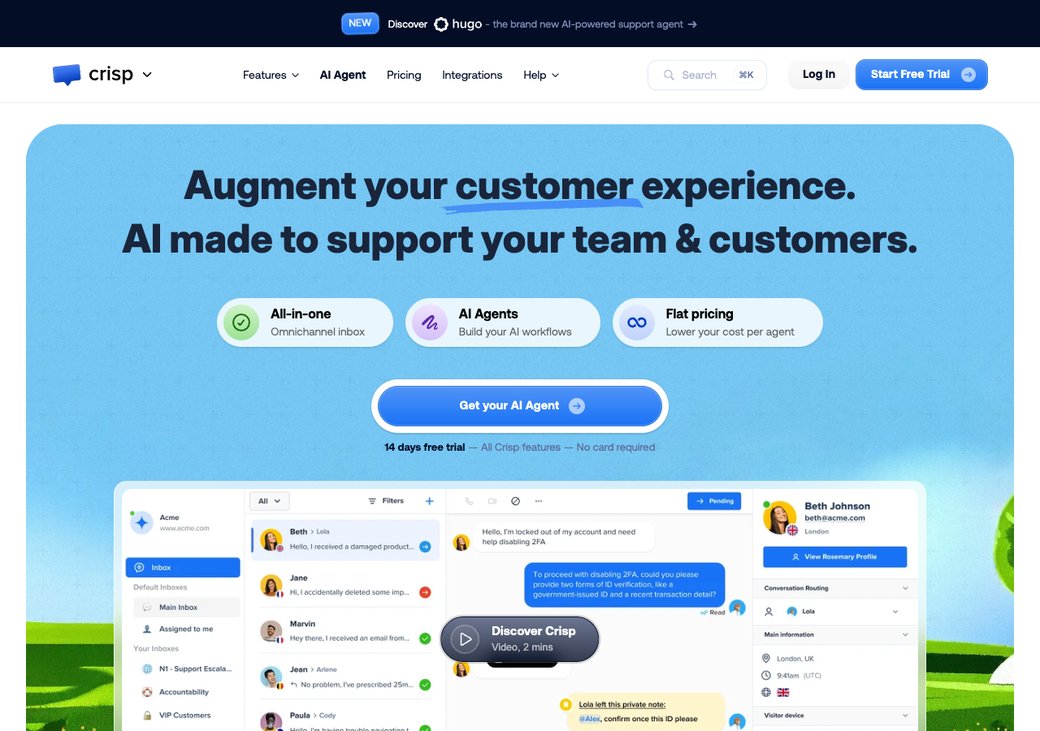
Crisp brings a modern look. It pulls chat, email, and social into one clean inbox, with a free tier for 2 seats.
Who it is really for: a small team that wants HelpCrunch's price with a more modern, omnichannel feel.
Setup and time to live: install takes minutes, and the apps are well rated. AI and workflows start on the Mini plan.
Key features:
- Modern omnichannel shared inbox
- Chat, email, and social in one place
- Up to 2 seats free, with 100 profiles
- Chatbot and AI on paid plans
- Mobile and desktop apps
Standout: one of the most modern, omnichannel inboxes in this list.
Limitation: the free plan has no AI or workflows, and those start on the Mini plan at about EUR 45 a month.
What people say on Reddit & YouTube: Reviewers call Crisp a modern, omnichannel upgrade with a polished free tier (G2). The common wish is for AI without paying.
| Plan | Price (as of June 2026) | What you get |
|---|---|---|
| Free | $0 | 2 seats, chat, email, social inbox |
| Mini | EUR 45/mo | Adds AI and basic workflows |
| Essentials / Plus | EUR 95 / EUR 295/mo | More seats and automation |
| Pros | Cons |
|---|---|
| Modern omnichannel inbox | No AI on the free plan |
| Easy setup | Paid tiers jump quickly |
| Great support reputation | Free profile cap is low |
Bottom line: pick Crisp if you want a modern, omnichannel inbox at a low price. Skip it if you need AI without upgrading.
6. Freshdesk: best budget help desk (75/100)
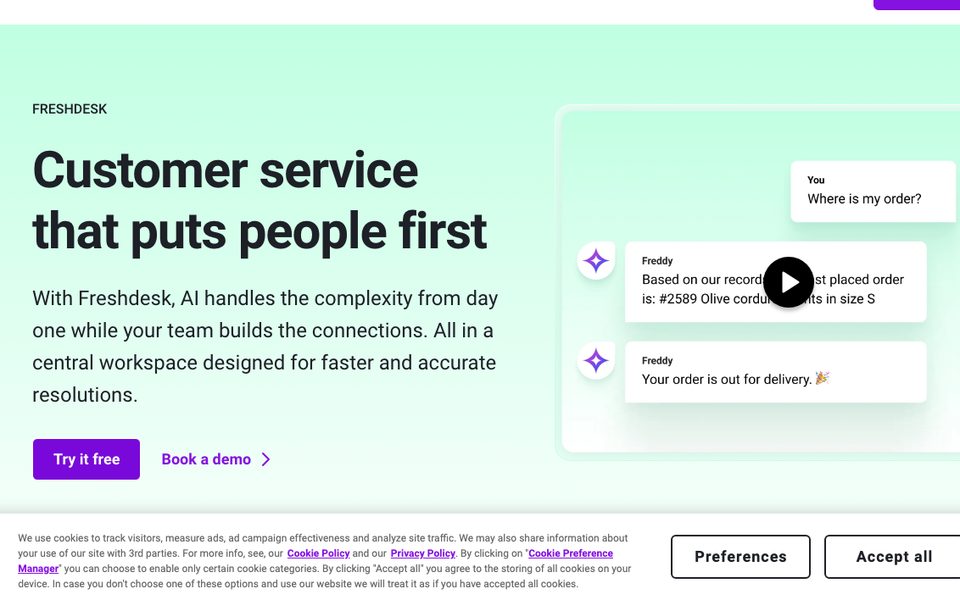
Freshdesk is the budget help desk. It gives you ticketing, a knowledge base, and automation, with a free tier to start.
Who it is really for: a growing team that wants a real help desk without HelpCrunch's per-user climb.
Setup and time to live: the ticketing setup is quick. Live chat comes from Freshchat, a separate product.
Key features:
- Ticketing, knowledge base, and automation
- A genuinely useful free tier
- SLA management and reporting
- AI add-ons (Freddy)
- Strong app marketplace
Standout: a full help desk at a budget price, with a free plan.
Limitation: live chat is a separate product (Freshchat), so the all-in-one feel is weaker than HelpCrunch.
What people say on Reddit & YouTube: Reviewers praise the value and free tier, but note chat and helpdesk are split across products (G2).
| Plan | Price (as of June 2026) | What you get |
|---|---|---|
| Free | $0 | Ticketing, knowledge base, up to a small team |
| Growth | $15-19/agent/mo | Automation and SLAs |
| Pro | $55-79/agent/mo | Advanced routing and reporting |
| Enterprise | $99+/agent/mo | Full scale |
| Pros | Cons |
|---|---|
| Real help desk on a budget | Chat is a separate product |
| Useful free tier | AI is a paid add-on |
| Big app marketplace | Can feel feature-heavy |
Bottom line: pick Freshdesk if you want an affordable help desk with a free tier. Skip it if you want chat and helpdesk in one app.
7. Help Scout: best simple, human help desk (74/100)
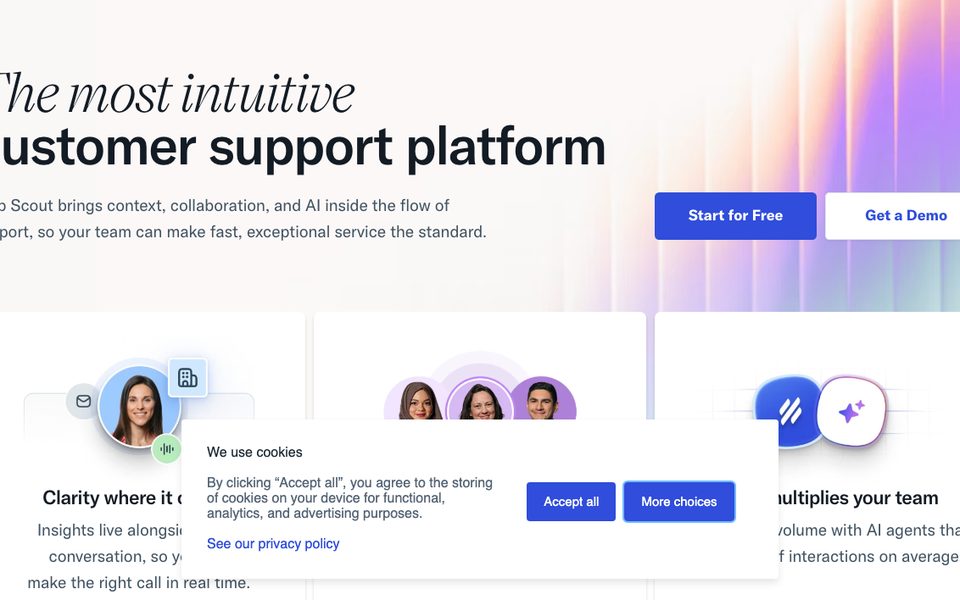
Help Scout keeps support simple and human. It feels like a shared email inbox, not a heavy ticketing tool.
Who it is really for: a team that prefers a clean, email-first inbox over a chat-heavy platform.
Setup and time to live: it is one of the fastest tools here to learn. Your team is answering on day one.
Key features:
- A clean, email-style shared inbox
- Knowledge base (Docs)
- Live chat (Beacon) widget
- Simple automation and reports
- AI summaries and drafts
Standout: the simplest, most pleasant help desk to use.
Limitation: it is lighter on live chat and AI than HelpCrunch, and there is no real-time voice.
What people say on Reddit & YouTube: Reviewers love Help Scout's simplicity and clean inbox, but want deeper chat and AI (G2).
| Plan | Price (as of June 2026) | What you get |
|---|---|---|
| Standard | $22/user/mo | Shared inbox, Docs, Beacon chat |
| Plus | $44/user/mo | More mailboxes and reporting |
| Pro | $65/user/mo | Advanced features and SLAs |
| Pros | Cons |
|---|---|
| Simplest, most human help desk | Lighter on live chat |
| Fast to learn | No real-time voice |
| Clean shared inbox | Per-user pricing adds up |
Bottom line: pick Help Scout if you want simple, human, email-first support. Skip it if AI or voice is the priority.
Sources: Zendesk CX 2026 (reply expectations), Ringly (conversion lift), Nextiva (chat abandonment), HelpCrunch's own docs (HelpCrunch AI limit).
- AI chat cap: the number of AI-handled chats a plan allows per month before you pay more.
- Rule-based bot vs trained AI: a rule-based bot follows fixed flows; a trained AI learns from your content and answers freely.
- Seat or agent: one human login. Most help desks charge per seat, per month.
- Omnichannel: one inbox for web chat, email, WhatsApp, and social, in one place.
- Deflection: a question solved without a human, so your team handles less work.
Why teams leave HelpCrunch in 2026
HelpCrunch is a good, affordable tool. The trouble starts with its AI.
The bot is rule-based and Pro-only. It follows fixed flows and does not learn from your resolved tickets (BunnyDesk's review).
It also caps you at 50 AI chats a month. For a busy team, that allowance disappears in days, then costs $29 per 100 more (HelpCrunch's own docs).
There is no native omnichannel, either. Connecting WhatsApp, SMS, and social is not seamless.
Reliability worries some teams, too. Reviewers report integration bugs and features that break, and there is no public SLA or uptime page (Trustpilot).
The plans pinch as well. The Basic tier is restrictive, so most teams jump to Pro, and the per-user price climbs as you grow (BunnyDesk's review).
- Users love the value and the built-in email marketing, but call the chatbot pretty basic. (BunnyDesk)
- The 50 AI-chats-a-month cap evaporates in days, with extra capacity at $29 per 100. (HelpCrunch docs)
- The AI follows predefined flows and does not learn from past conversations over time. (eesel)
- Trustpilot and Capterra reviews mention constant integration bugs and features that keep breaking. (Capterra)
- There is no published SLA or uptime page, which worries teams that need guaranteed reliability. (Trustpilot)
- A YouTube buyer guide walks through 12 things to check before you commit. (YouTube)
- Agent-based pricing is simple, but the Basic plan is restrictive and costs climb as the team grows. (eesel)
What you give up if you leave HelpCrunch
Be honest before you switch. HelpCrunch does a few things most rivals do not.
First, it gives unlimited contacts on every plan. You pay per team member, not per contact, so the bill stays flat whether you reach 2,000 people or 2 million (HelpCrunch's own comparison).
Second, it bundles email marketing into the same tool. Note the limit: about 1,000 emails per member on Basic, with email packs for heavier senders (a HelpCrunch vs Intercom breakdown).
Third, its human support earns five-star reviews. Users say the team is real and helpful, not canned replies or bots (eesel).
So weigh this honestly. If you lean on unlimited contacts or built-in email, you will need to replace them after you move.
What HelpCrunch's AI cap really costs you
The free-sounding AI has a real ceiling. Here is what it adds up to.
| HelpCrunch AI | The detail |
|---|---|
| Where the AI lives | Pro plan only, at $25 per user a month |
| Free AI chats | 50 a month, then $29 per extra 100 |
| Data sources | 200 included, then $5 per extra 100 |
| How smart it is | Rule-based flows; it does not learn from tickets |
| Real-time voice | None |
sem.chat takes a different path. Its free plan includes a trained AI bot and 3 voice minutes, with no per-chat AI fee to start.
How we scored the 7 tools
We scored each tool out of 100 on 5 weighted criteria. AI and automation count the most, since that is HelpCrunch's weak spot.
The weights are: AI and automation 30, Channels and voice 20, Ease and setup 20, Pricing and value 15, and CRM and analytics 15.
No tool is perfect. sem.chat leads on AI range, but its free message limit is smaller than HelpCrunch's unlimited chats.
How to choose
Map your need to a pick instead of guessing. The grid below does it in one glance.
| If you want... | Pick |
|---|---|
| A real AI bot + voice + a CRM | sem.chat |
| Unlimited chats + built-in email marketing | Stay on HelpCrunch |
| The most proven AI agent | Intercom |
| Enterprise scale and reporting | Zendesk |
| Ecommerce chat with AI | Tidio |
| A modern omnichannel inbox | Crisp |
| A budget help desk | Freshdesk |
| Simple, human, email-first support | Help Scout |
The map shows the trade-off plainly. HelpCrunch is affordable but capped on AI, while sem.chat leads on AI at a fair price.
sem.chat vs HelpCrunch, head to head
This is the comparison most readers came for. Both put a chat widget and an inbox on your site.
The difference is the AI and the channels. sem.chat adds a trained bot, real-time voice, and a CRM that HelpCrunch does not match.
| Feature | sem.chat | HelpCrunch | Intercom |
|---|---|---|---|
| Trained AI bot (learns your content) | Yes | Rule-based | Yes |
| Free AI to start | Yes | 50/mo on Pro | No |
| Real-time AI voice | Yes | No | No |
| Built-in CRM | Yes | Light | Yes |
| Built-in email marketing | No | Yes | Partial |
Be fair about it. HelpCrunch still wins if you want unlimited chats and built-in email marketing.
sem.chat wins when you want a bot that learns, plus voice and a CRM.
How to test an alternative before you switch
A new tool is only worth it if it fits your real workflow. Spend an afternoon testing before you move.
Run through this checklist with any pick above.
- Put it on one page first, not your whole site, so you can watch it handle live chats.
- Test the AI on real questions, to see if it learns your content or just follows flows.
- Watch the AI or message limit, since caps run out faster than you expect.
- Check your channels, like WhatsApp or Instagram, are covered on the plan you want.
- Export your HelpCrunch data, to confirm contacts and history carry over.
- Test the mobile app, so you can reply when you are away from your desk.
- Read the data and privacy page, especially if you handle customer details under GDPR.
How to switch from HelpCrunch
Moving off HelpCrunch takes a few days, not weeks. Run both side by side during the change.
Follow these steps in order.
- Export your contacts and chat history from HelpCrunch as a CSV.
- Save your canned responses and articles, so your team keeps its fast answers.
- Train the new tool on your website or help-center URL, then test 10 real questions.
- Pilot on one page first, and keep HelpCrunch live in parallel.
- Move your email marketing to a dedicated tool if you leave, since few rivals bundle it.
- Cut over by swapping the chat widget on your site.
The main friction is email marketing. HelpCrunch bundles it, so plan where that lives after you move.
Want pre-built playbooks to start with? Browse our free templates and our features page.
Frequently asked questions
Does HelpCrunch have AI?
Yes, but it is limited. The AI bot is rule-based, lives on the Pro plan, and stops after 50 AI chats a month. For a bot that learns your content, look at sem.chat or Intercom.
What is the best HelpCrunch alternative?
For real AI plus voice and a CRM, sem.chat is the best upgrade. Intercom wins for the most proven AI, and Help Scout for simple, human support.
Is HelpCrunch good value?
Yes, for chat plus email marketing with unlimited conversations. The value drops once you need heavy AI, since the cap and overage add up.
Which alternative has the cheapest free plan?
sem.chat, Tidio, Crisp, and Freshdesk all have free plans. sem.chat is the only one with a trained AI bot and voice on free.
Which alternative has the strongest AI?
Intercom's Fin is the most proven for ticket resolution. sem.chat is the best value, since it trains on your content and starts free.
Does HelpCrunch support WhatsApp and SMS?
Not seamlessly. Native omnichannel is a common gap, so check each alternative if WhatsApp, SMS, or social matter to you.
Will I lose my email marketing if I switch?
Possibly. HelpCrunch bundles email marketing, and most rivals do not, so plan to move it to a dedicated tool.
How long does switching take?
Usually a few days. Export your data, pilot on one page, run both in parallel for a week, then swap the widget.
Is my customer data safe on these tools?
Read each tool's privacy and security page before you commit. Most major tools offer GDPR terms and encryption.
Can I run two tools at once while I migrate?
Yes, for a short pilot. Keep HelpCrunch live on most pages, test the new tool on one page, then cut over once you are happy.
Is HelpCrunch reliable?
Reviews are mixed. Many teams run it with no trouble, while others report integration bugs, and there is no public SLA. Test your key integrations during the trial.
Does HelpCrunch have a free plan?
No. HelpCrunch offers a 14-day free trial, then paid plans from $15 per user. For a real free plan, look at sem.chat, Tidio, Crisp, or Freshdesk.
Is HelpCrunch good for email marketing?
Yes, for light senders. Email marketing is built in, but the Basic plan caps you near 1,000 emails per member, so heavy senders buy email packs or a dedicated tool.
Does HelpCrunch limit contacts?
No. Contacts are unlimited on every plan, and you pay per team member, not per contact. That keeps the bill flat as your audience grows.
Final verdict
There is no single winner, because "best" depends on what you need. The picks below match the most common goals.
| Use case | Best pick |
|---|---|
| Real AI bot + voice + CRM | sem.chat |
| Unlimited chats + email marketing | HelpCrunch |
| Most proven AI agent | Intercom |
| Enterprise scale | Zendesk |
| Ecommerce chat with AI | Tidio |
| Modern omnichannel inbox | Crisp |
| Simple, human help desk | Help Scout |
If you have outgrown HelpCrunch's capped AI, start with sem.chat. It answers by chat and voice and saves the lead in a CRM, all without a card.
Start free with sem.chat, or compare every tier on the pricing page. You can also read our best Intercom alternatives and best Zendesk alternatives guides.




