


Intercom is powerful, but it is not cheap. Seats run $39 to $139 a month, and its Fin AI bot adds $0.99 for every question it resolves.
So most small teams ask the same thing. Is there a tool that does the same job, but starts free?
We tested 6 real Intercom alternatives that all have a genuinely free plan. RH Fardin wrote this guide, and Anatolii Ulitovskyi fact-checked it. We pulled prices from public pricing pages, ratings from G2 and Capterra, and real opinions from Reddit, the HubSpot's own community forum, and YouTube reviews, all as of June 2026.
Here is the honest verdict up front. Pick sem.chat if you want AI chat, AI voice, and a CRM in one free plan; pick a specialist below if you only need one of those.
All 6 free tools at a glance
Skim this table first. Every tool here has a real free plan, not just a trial.
| Tool | Free plan? | Best for | Standout on free | Main free-tier limit | G2 |
|---|---|---|---|---|---|
| Intercom (what you are leaving) | No (14-day trial) | Enterprise support | Mature Fin AI agent | No free plan; $0.99 per resolution | 4.5 |
| sem.chat | Yes, no card | All-in-one (chat + voice + CRM) | AI voice and a CRM on free | 100 AI messages and 3 voice minutes a month | New |
| Tawk.to | Yes, forever | The most generous free plan | Unlimited agents and chats | No native AI; branding on free | 4.5 |
| HubSpot | Yes, forever | A free CRM with chat | Chat plus a real CRM | 2 users; no voice; HubSpot branding | 4.4 |
| Tidio | Yes, forever | Ecommerce chat with a taste of AI | 50 free Lyro AI chats | AI capped; add-ons cost extra | 4.6 |
| Chatwoot | Yes (open source) | Self-hosting and full control | Free to self-host forever | Needs developers; AI is paid | 4.5 |
| Crisp | Yes, forever | A polished free inbox | Clean shared inbox, 2 seats | No AI or workflows on free | 4.5 |
Sources: Zendesk CX 2026 (reply expectations), Ringly (conversion lift), Nextiva (chat abandonment), Costbench (Intercom Fin pricing).
- Resolution: one customer question the bot answers on its own. Intercom charges $0.99 for each one.
- Seat: one human agent login. Most paid plans charge per seat, per month.
- Self-host: you run the software on your own server, instead of the vendor running it for you.
- Deflection: a question solved without a human, so your team handles less work.
- Freemium vs free: freemium nudges you to pay soon; a true free plan you can use forever.
Why teams leave Intercom for a free plan
Intercom is a strong product. Its Fin AI agent is mature, and big support teams get real value from it.
The problem in 2026 is the bill. Intercom has no real free plan, only a 14-day trial.
It also charges twice. You pay for each agent seat, then pay $0.99 again for every question Fin resolves on its own.
That math adds up fast. At 1,000 AI resolutions a month, that fee alone is about $1,000, on top of seats that often pass $100 each (SparrowDesk).
It creates an odd trap, too. The better the AI works, the more you pay, so success raises your bill instead of lowering it.
Reddit users put it bluntly. Many say Intercom is "priced for larger companies," and that its seat licensing pushes teams into "awkward access patterns" where people share logins to save money (AgentWhispers).
- Reviewers most often describe Intercom as expensive, and say the price is hard to predict once Fin volume grows. (FeatureBase)
- The pay-per-resolution model means more AI adoption directly increases cost, which fights against your automation budget. (ClearFeed)
- Teams pay for human seats and for AI resolutions at the same time, where many rivals charge one or the other. (Voiceflow)
- Add-ons like Copilot, outbound messages, and WhatsApp stack up faster than buyers expect. (SparrowDesk)
- Fin's real resolution rate in Intercom's own case studies runs about 42 to 50%, so you still need staffed seats. (Robylon)
- Creators on YouTube now post 'why I left Intercom' switch stories, almost always over cost. (YouTube)
The hidden cost of free
"Free" is rarely free in every way. Each plan has a catch, and knowing it up front saves you a nasty surprise later.
This table shows the traps buyers miss most.
| The catch | Who it hits | What it means for you |
|---|---|---|
| Branding you cannot remove | Tawk.to, HubSpot, Tidio, Crisp | The vendor's logo sits on your chat widget until you pay |
| A small AI cap | sem.chat, Tidio | Free AI runs out fast, at 100 messages or 50 chats |
| A 2-user wall | HubSpot | Add a third teammate and you must upgrade |
| The 6 to 12 month trap | HubSpot, Crisp | Free works at first, then a limit forces a $50+ bill |
| DevOps for self-host | Chatwoot | "Free" still needs a server and someone to run it |
HubSpot is the clearest example. On HubSpot's own community forum, free users vent that the 2-user cap and creeping limits turn the plan into a "nickel-and-dime" upgrade within months (EngageBay).
The lesson is simple. Pick the free plan whose catch you can live with, not the one with the longest feature list.
What "free" really includes
"Free" is not the same everywhere. Some plans are generous forever, and some are bait that pushes you to pay fast.
This table shows what each free tier actually gives you.
| Tool | Free seats | AI on free? | Real-time voice on free? | Built-in CRM? | The catch |
|---|---|---|---|---|---|
| sem.chat | 1 | Yes (100 msgs) | Yes (3 min) | Yes | Small monthly limits |
| Tawk.to | Unlimited | No | No | Light | Branding; dated interface |
| HubSpot | 2 | Basic bot | No | Yes | 2-user cap; HubSpot branding |
| Tidio | 2 | Yes, 50 chats | No | Light | AI capped; paid add-ons |
| Chatwoot | 2 cloud / unlimited self-host | Paid add-on | No | Light | Self-host needs developers |
| Crisp | 2 | No | No | Light | AI and workflows are paid |
One row stands out. sem.chat is the only free plan here that includes AI voice and a CRM, not just chat.
How we scored the 6 tools
We scored each tool out of 100 on 5 weighted criteria. Free-plan generosity counts the most, because that is the whole point.
The weights are: Free generosity 30, AI and automation 20, Channels and voice 20, Ease and setup 15, and CRM and lead capture 15.
No tool is perfect. sem.chat leads on range, but its free limits are small, which the score reflects.
The 6 best free Intercom alternatives
Each tool below gets the same honest treatment: who it fits, how fast it goes live, one standout, one real limit, what the community says, the free plan, and a clear bottom line.
1. sem.chat: best free all-in-one (chat + voice + CRM) (86/100)
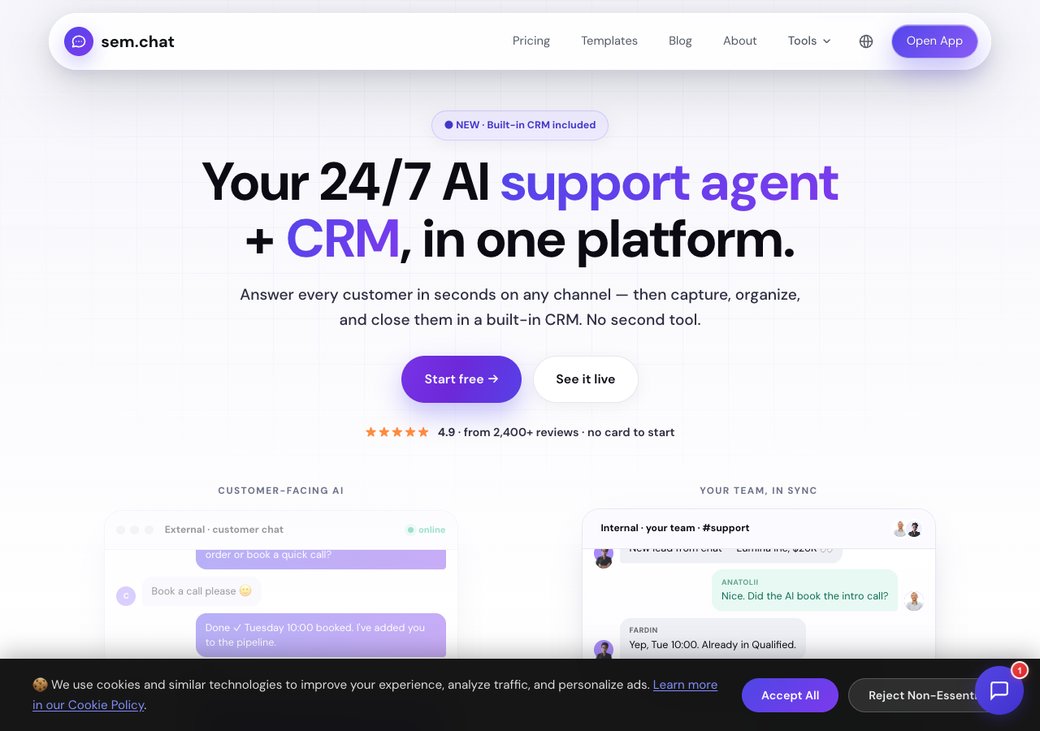
sem.chat is the all-in-one pick. Its free plan answers visitors by chat or by real-time voice, then saves them as contacts in a built-in CRM.
Who it is really for: a small team or founder who wants to test AI support, voice, and lead capture together, without paying first.
Setup and time to live: you paste your website URL, and the bot learns your content in minutes. There is no server to run and no card to enter.
Key features:
- AI chatbot trained on your website and docs
- Real-time AI voice agents, with 3 free minutes a month
- Built-in CRM with deals and pipelines on every plan
- One inbox for web, WhatsApp, Instagram, Telegram, and Messenger
- Calendly-style scheduling and 17-language auto-translation
Standout: it is the only free plan here with AI voice and a CRM, not just a chat widget.
Limitation (honest): the free limits are small, at 100 AI messages and 3 voice minutes a month, and sem.chat is newer with fewer public reviews. Treat the free plan as a real test drive, then upgrade when traffic grows.
What people say on Reddit & YouTube: sem.chat is newer, so Reddit threads are still thin. Early users highlight getting chat, voice, and a CRM on one free plan, instead of bolting three tools together. Judge it on a hands-on trial of your own chats.
| Plan | Price (as of June 2026) | What you get |
|---|---|---|
| Free | $0 | 100 AI messages, 3 voice minutes, 1 bot, 1 site, CRM, no card |
| Launch | $24/mo | More messages and voice, badge removed |
| Growth | $59/mo | Higher volume, multi-channel, scheduling |
| Scale | $119/mo | High volume, more team seats |
| Enterprise | Custom | SSO, SLA, onboarding |
See the full tiers on the pricing page, and try our SaaS cost savings calculator to compare against Intercom.
| Pros | Cons |
|---|---|
| Chat, voice, and a CRM on the free plan | Small free message and voice limits |
| One inbox across five channels | Fewer third-party reviews so far |
| No card and no per-resolution fee | Not a heavy enterprise ticketing suite |
Bottom line: pick sem.chat if you want one free tool to chat, call, and capture leads. Ready to try it on your own site? start free with no card.
2. Tawk.to: best 100% free plan (82/100)
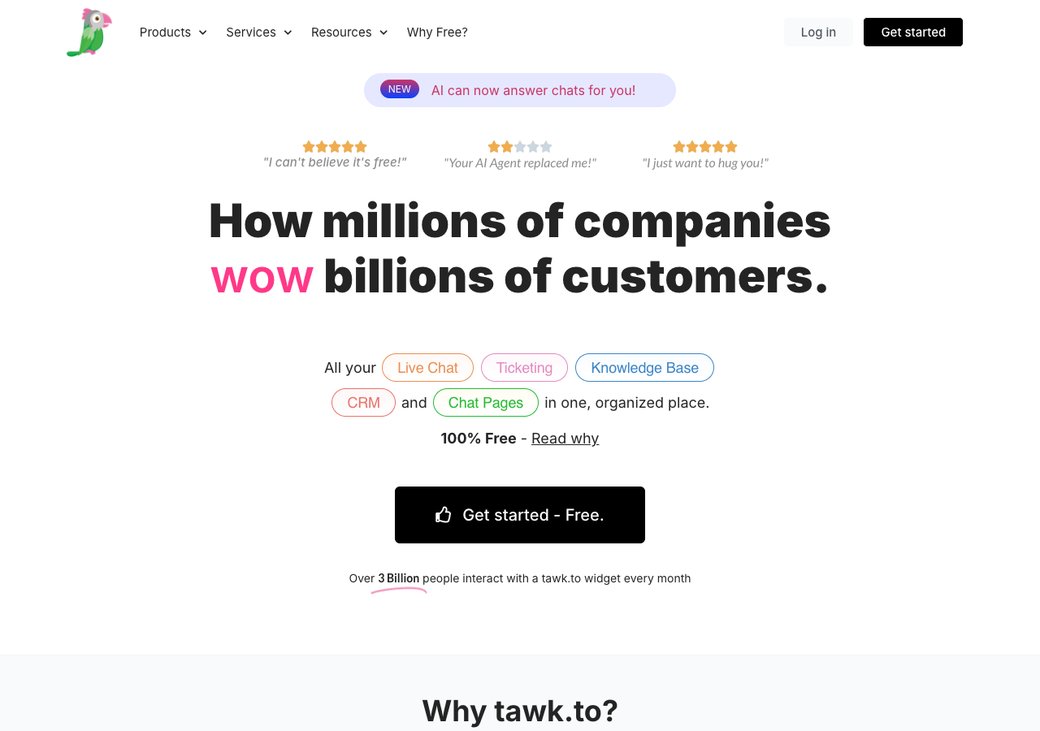
Tawk.to is the king of free. Its live chat, ticketing, and knowledge base stay free forever, with no limit on agents, chats, or sites.
Who it is really for: a budget-first team that wants live chat on a website today and does not need AI.
Setup and time to live: you paste one snippet and you are live in about 5 minutes. The free apps cover desktop and mobile.
Key features:
- Unlimited agents, chats, and websites, free
- Live chat, ticketing, and a knowledge base
- Visitor monitoring and canned responses
- Mobile and desktop apps
- Optional hired agents from about $1 an hour
Standout: truly unlimited free use, which no other tool here matches.
Limitation: there is no native AI on the free plan, the interface feels dated, and removing the Tawk.to branding costs about $29 a month.
What people say on Reddit & YouTube: Reviewers and Reddit users call it "genuinely free, not freemium," and praise that it has lasted years without disappearing (Receiveo). Tawk.to explains that ads and an optional hired-agent service fund the free product. The common gripe is the dated look.
| Plan | Price (as of June 2026) | What you get |
|---|---|---|
| Free | $0 | Unlimited agents, chats, sites; chat, tickets, knowledge base |
| Remove branding | $29/mo | Your brand only |
| Hired agents | from $1/hour | Real people answer for you |
| Pros | Cons |
|---|---|
| Unlimited and free forever | No native AI on free |
| Solid core chat and ticketing | Dated interface |
| Huge install base | Branding removal is paid |
Bottom line: pick Tawk.to if you want unlimited free live chat and do not need AI. Skip it if AI replies or a modern look matter to you.
3. HubSpot: best free CRM with chat (78/100)
HubSpot gives you live chat, a basic chatbot, and a real CRM for free. The CRM is the draw, since it tracks every contact and deal.
Who it is really for: a sales-led team that wants chat and contact records in one place.
Setup and time to live: the widget installs in minutes, and the CRM works out of the box. The catch shows up later, not at setup.
Key features:
- Free live chat and a basic chatbot
- Full CRM with contacts and deal pipelines
- Shared inbox and email tracking
- Meeting scheduling link
- Works across the HubSpot ecosystem
Standout: a genuinely useful free CRM sits under the chat.
Limitation: the free plan caps you at 2 users and 1,000 contacts, keeps HubSpot branding, and locks AI, automation, and voice behind paid tiers.
What people say on Reddit & YouTube: On HubSpot's own community forum, free users vent about the 2-user cap and a "nickel-and-dime" upgrade path. The common pattern, echoed by Nutshell, is that teams start free, hit a wall in 6 to 12 months, then face a $50+ per-seat bill.
| Plan | Price (as of June 2026) | What you get |
|---|---|---|
| Free | $0 | Live chat, basic bot, CRM; 2 users, 1,000 contacts, branding |
| Starter | from ~$20/seat/mo | Removes branding, adds simple automation |
| Pro | Higher tiers | Advanced automation and AI, see pricing page |
| Pros | Cons |
|---|---|
| Real free CRM under the chat | 2-user cap on free |
| Clean, modern interface | No voice; AI is paid |
| Strong ecosystem and integrations | Upsells get pricey fast |
Bottom line: pick HubSpot if a free CRM matters more than AI or voice. Skip it if you need more than 2 free users or want AI on day one.
4. Tidio (Lyro): best free ecommerce chat (76/100)
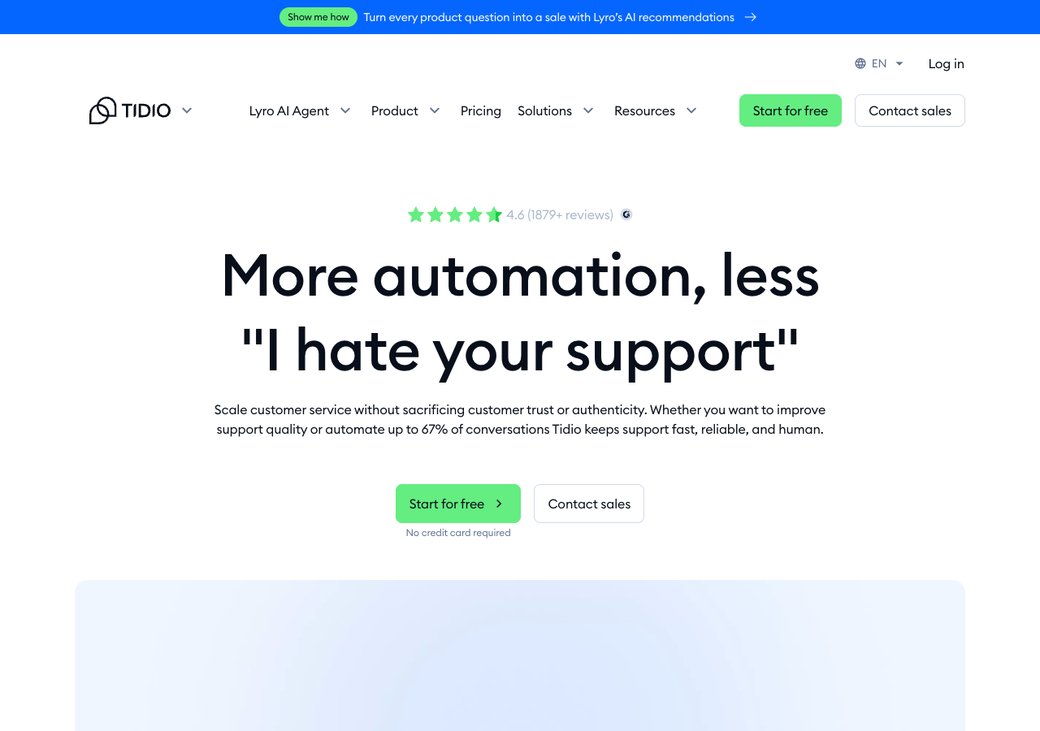
Tidio blends live chat, simple chatbot flows, and the Lyro AI agent. Its free plan even includes 50 Lyro AI conversations to try.
Who it is really for: a small online store that wants live chat plus a first taste of AI.
Setup and time to live: the Shopify and website install takes minutes, and the visual Flows builder needs no code. See our full Tidio alternatives guide for more.
Key features:
- Live chat with visitor tracking
- 50 free Lyro AI conversations
- Visual chatbot flows with templates
- Web, Messenger, WhatsApp, and Instagram
- Deep Shopify and ecommerce sync
Standout: a real taste of AI on the free plan, which most rivals lock away.
Limitation: the free AI runs out fast at 50 chats, and Lyro AI adds about $39 and Flows about $29 on paid plans.
What people say on Reddit & YouTube: Reviewers and a Tidio vs Intercom video praise the Flows builder and the ecommerce fit (G2). The repeated warning is that the add-ons inflate the bill well past the free tier.
| Plan | Price (as of June 2026) | What you get |
|---|---|---|
| Free | $0 | 2 agents, live chat, 50 Lyro AI conversations |
| Starter | $29/mo | Live chat, basic automation |
| Growth | $59/mo | More seats and analytics |
| Add-ons | +$39 Lyro, +$29 Flows | Stack on any plan |
| Pros | Cons |
|---|---|
| Free AI conversations to test | Free AI cap is low |
| Strong ecommerce and Shopify fit | Add-ons inflate the real price |
| Huge review base | Weak for voice or developer needs |
Bottom line: pick Tidio if you run a store and want a taste of AI for free. Watch the add-ons, which push the bill past the free tier fast.
5. Chatwoot: best open-source and self-host (74/100)
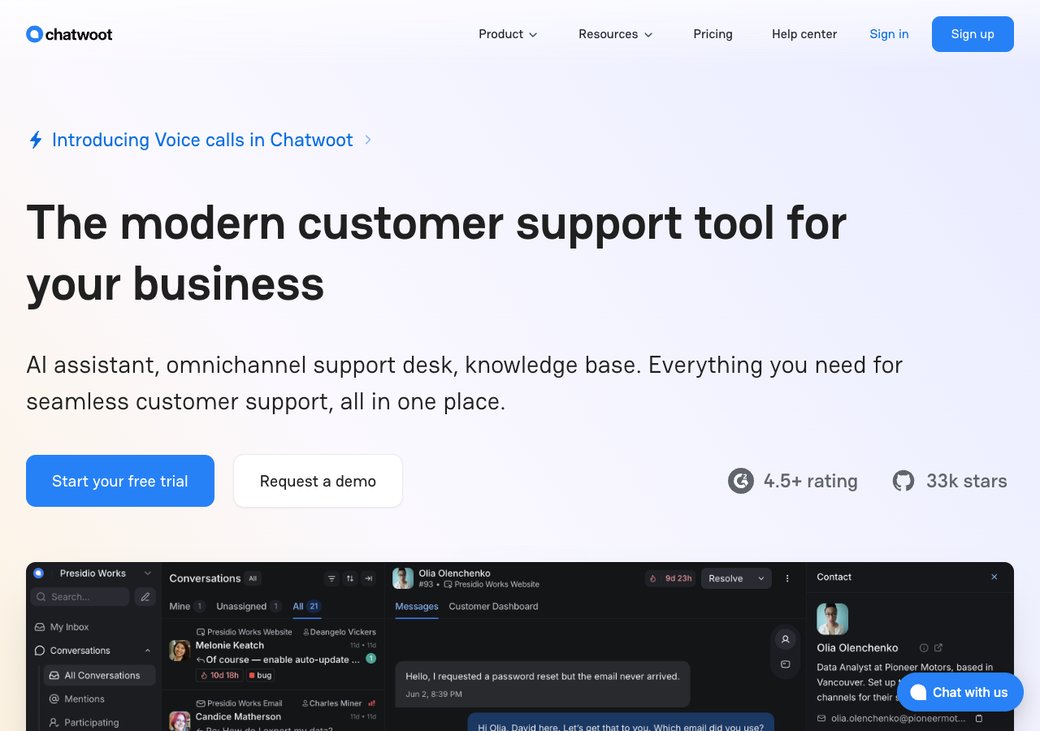
Chatwoot is the open-source pick. You can self-host the Community Edition for free and own all your data, or use the free cloud Hacker plan.
Who it is really for: a team with developers that wants full control and data ownership.
Setup and time to live: the free cloud plan is quick, but self-hosting takes hours and ongoing upkeep. Chatwoot's own docs that you need someone to manage the server and upgrades.
Key features:
- Open-source Community Edition, free to self-host
- Free cloud Hacker plan, with 2 agents and 500 chats a month
- Live chat, email, WhatsApp, Instagram, and Facebook
- Shared inbox and team collaboration
- 32,000+ GitHub stars and 15,000+ businesses
Standout: full control and data ownership that no closed tool here offers.
Limitation: self-hosting needs developers and upkeep, and the Captain AI features run on paid credits.
What people say on Reddit & YouTube: Developers on Reddit love the control, and a Chatwoot demo pitches it as an Intercom and Crisp alternative. The honest caveat, noted by eesel, is that "free" self-host carries real DevOps cost once you add a server and a maintainer.
| Plan | Price (as of June 2026) | What you get |
|---|---|---|
| Community (self-host) | $0 | Open source, unlimited agents, you host it |
| Cloud Hacker | $0 | 2 agents, 500 conversations a month |
| Cloud Startups / Business | $19 / $39 per agent | Hosted for you, more limits |
| Pros | Cons |
|---|---|
| Open source and self-hostable | Self-host needs developers |
| Strong multi-channel inbox | AI is a paid add-on |
| Big, active community | Cloud free tier is small |
Bottom line: pick Chatwoot if you have developers and want to own your stack. Skip it if you want something live in minutes with no server.
6. Crisp: best polished free inbox (71/100)
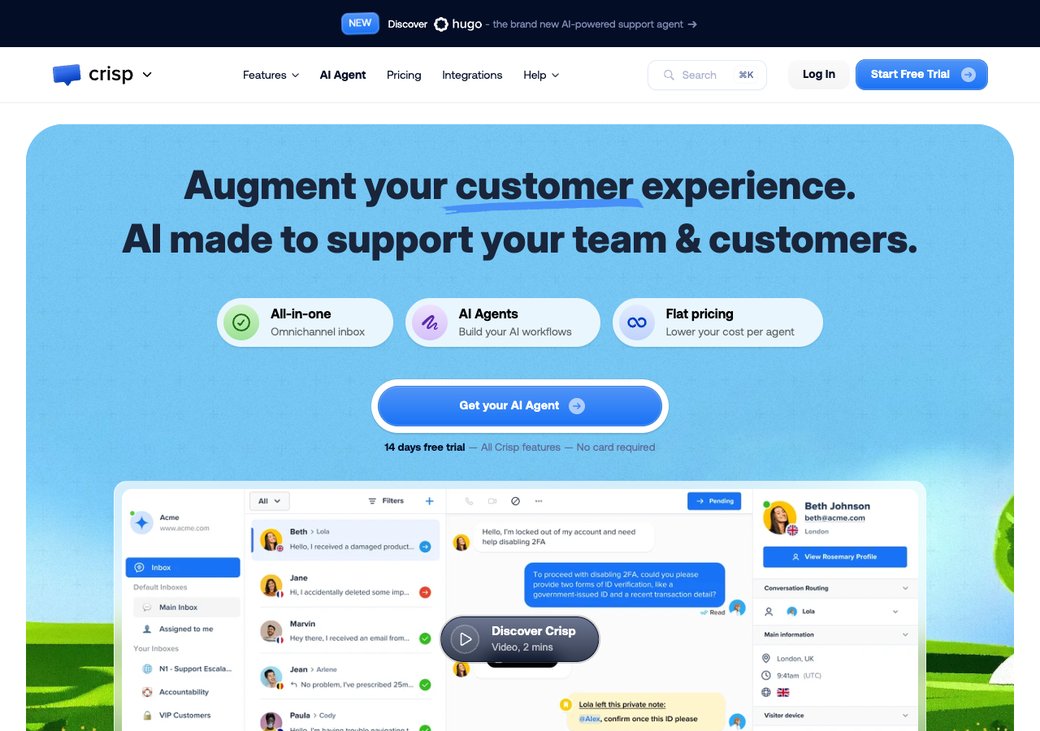
Crisp keeps the free plan simple and good-looking. You get live chat and a shared inbox for up to 2 seats.
Who it is really for: a small team of two that wants a clean, modern chat without clutter.
Setup and time to live: install takes minutes, and the apps are well rated. The free tier is light but pleasant to use.
Key features:
- Live chat and a shared inbox
- Up to 2 seats and 100 contact profiles
- Mobile and desktop apps
- A clean, modern interface
- Strong, well-rated support team
Standout: one of the most polished free inboxes in the category.
Limitation: the free plan has no AI and no workflows, and those start on the Mini plan at about €45 a month.
What people say on Reddit & YouTube: Community reviews call the free tier polished and "enough to see if it fits" for a team of two (Rework). The common wish is for AI without jumping to a paid plan.
| Plan | Price (as of June 2026) | What you get |
|---|---|---|
| Free | $0 | 2 seats, live chat, shared inbox, 100 profiles |
| Mini | €45/mo | Adds AI and basic workflows |
| Essentials / Plus | €95 / €295/mo | More seats and automation |
| Pros | Cons |
|---|---|
| Polished, modern free inbox | No AI or workflows on free |
| Easy setup | Paid tiers jump quickly |
| Great support reputation | Free profile cap is low |
Bottom line: pick Crisp if you want a clean free inbox for a small team. Skip it if you need AI or automation without upgrading.
How to choose
Map your need to a pick instead of guessing. The grid below does it in one glance.
| If you want... | Pick |
|---|---|
| AI chat + voice + a CRM in one free plan | sem.chat |
| Unlimited free live chat, no AI needed | Tawk.to |
| A free CRM with chat on top | HubSpot |
| A store bot with a taste of free AI | Tidio |
| Open source and full data control | Chatwoot |
| A clean, simple free inbox | Crisp |
The map shows the trade-off plainly. Tawk.to wins on raw generosity, while sem.chat wins on how much the free plan can do.
sem.chat vs the most generous free tools
Tawk.to and HubSpot are the two free plans buyers compare with sem.chat most. Here is how they line up on what matters.
| On the free plan | sem.chat | Tawk.to | HubSpot |
|---|---|---|---|
| Free agents/seats | 1 | Unlimited | 2 |
| AI chat replies | Yes | No | Basic bot |
| Real-time AI voice | Yes | No | No |
| Built-in CRM | Yes | Light | Yes |
| Branding removed on free | No | No | No |
Be fair about it. Tawk.to gives more seats, and HubSpot's free CRM is deeper.
sem.chat wins when you want chat, voice, and a CRM together on one free plan.
How to test a free plan before you commit
A free plan is only useful if it fits your real workflow. Spend an afternoon testing before you roll it out.
Run through this quick checklist with any tool here.
- Put it on one real page first, not your whole site, so you can watch it handle live chats.
- Watch the AI or message limit, since free caps are small and run out faster than you expect.
- Check the branding, because most free plans show the vendor's logo until you pay.
- Test the mobile app, so you can still reply when you are away from your desk.
- Export one contact, to confirm you can leave later without losing your data.
- Confirm your channels, like WhatsApp or Instagram, are actually covered on free.
- Read the data and privacy page, especially if you handle customer details under GDPR.
Switching from Intercom
Moving off Intercom takes a few days, not weeks. Be honest about the work, and run both side by side during the change.
Follow these steps in order.
- Export your contacts from Intercom as a CSV, with tags and company fields.
- Save your canned replies and macros, so your team keeps its fast answers.
- Train the new tool on your website or help-center URL, then test 10 real questions.
- Pilot on one page before you go wide, and keep Intercom live in parallel.
- Run parallel for a week, so nothing slips while your team adjusts.
- Cut over by swapping the chat snippet on your site to the new tool.
The friction is real but small. A history export is rarely a perfect match, so you will prune and re-tag content as you go.
Want pre-built playbooks to start with? Browse our free templates and our features page.
Frequently asked questions
Does Intercom have a free plan?
No. Intercom offers a 14-day free trial, then paid seats from $39 a month plus $0.99 per Fin AI resolution. Every tool in this guide has a real free plan instead.
What is the best free Intercom alternative?
For most small teams, sem.chat is the best free all-in-one, since its free plan includes AI chat, AI voice, and a CRM. Tawk.to is best if you only need unlimited free live chat.
Which free plan gives the most seats?
Tawk.to does, with unlimited free agents. Chatwoot's self-hosted Community Edition is also unlimited if you run it yourself.
Do any free plans include AI?
Yes. sem.chat includes 100 AI messages and 3 voice minutes a month, and Tidio includes 50 Lyro AI conversations. Tawk.to and Crisp have no native AI on free.
Can I remove the vendor's branding on a free plan?
Usually not. Tawk.to, HubSpot, Tidio, and Crisp all show their logo on the free widget, and removing it needs a paid plan.
Does a free plan include a mobile app?
Most do. Tawk.to, Crisp, HubSpot, and Tidio all ship free mobile apps, so you can reply on the go.
How many contacts can I store on a free plan?
It varies a lot. HubSpot's free CRM caps you at 1,000 contacts, Crisp at 100 profiles, while Tawk.to and Chatwoot self-host are effectively unlimited.
Is my customer data safe on a free tool?
Read each tool's privacy and security page before you commit. If you want full control under rules like GDPR, an open-source option like Chatwoot lets you self-host and keep data on your own server.
When will a free plan force me to upgrade?
Usually when you add seats, pass a contact cap, or need AI, automation, or branding removal. Many HubSpot users hit that wall in 6 to 12 months, so plan for it.
Is a free live chat tool safe for business?
Yes, for most small teams. Start free, test on one page, and upgrade only when the limits get in your way.
Final verdict
There is no single winner, because "free" means different things. The best pick depends on what you need most.
| Use case | Best free pick |
|---|---|
| All-in-one (chat + voice + CRM) | sem.chat |
| Most generous free plan | Tawk.to |
| Free CRM with chat | HubSpot |
| Ecommerce chat with free AI | Tidio |
| Open source and self-host | Chatwoot |
| Polished free inbox | Crisp |
If you want the most from a free plan, start with sem.chat. It is the only one that answers by chat and voice and saves the lead in a CRM, all without a card.
Start free with sem.chat, or compare every tier on the pricing page. You can also read our full Intercom alternatives guide and best Chatbase alternatives.




