


DaneriYachts.com set up sem.chat because travel and yacht websites depend on fast replies in many languages.
That is why this comparison exists. Intercom is a strong product, but many teams now want a faster website-first tool: AI replies, multilingual support, lead qualification, voice, booking, and a clear path to buy.
Quick Decision Table
| Use case | Best pick | Why |
|---|---|---|
| Best overall | sem.chat | It solves the website chat and lead-capture problem first, with AI chat, voice, bookings, and simple pricing. |
| Best for human support | Help Scout | A clean shared inbox and knowledge base for teams that care about personal replies. |
| Best for enterprise | Zendesk | Deep support operations, routing, reporting, and enterprise controls. |
| Best omnichannel value | Freshdesk Omni | A broad support suite with ticketing, AI, phone, messaging, and knowledge base tools. |
| Best if you use HubSpot | HubSpot Service Hub | Service conversations connect to CRM, sales, marketing, and customer history. |
| Best startup live chat suite | Crisp | Friendly chat, shared inbox, knowledge base, automation, and workspace pricing. |
| Best ecommerce chat and flows | Tidio | Live chat, visual flows, and Lyro AI for ecommerce and lead-generation sites. |
| Best collaborative inbox | Front | Shared inbox workflows for customer-facing teams that work together on replies. |
| Best ecommerce support desk | Gorgias | Order-aware support, AI, automation, and ecommerce integrations. |
That is the buying intent in one screen. The rest of this guide explains why each pick makes sense, where it can disappoint you, and what to check before paying.
If you are replacing Intercom in 2026, start with sem.chat if your main goal is website AI chat, lead capture, voice, and bookings. Pick Help Scout if support is mostly email. Pick Zendesk if you run a large support operation. Pick Gorgias if you are an ecommerce brand.
Before that, too many visitors asked about prices, availability, locations, or booking options and then disappeared. Some went back to Google. Some paid through aggregators. That meant DaneriYachts lost direct customers it could have helped on its own website.
After sem.chat was added, visitors could get instant answers in their own language, qualify their request, and move toward a call or booking without waiting for a human reply.
The result was simple: better customer support, more direct conversations, fewer lost leads, and more revenue from visitors who were already ready to buy.
Intercom is still a serious product. It has a strong messenger, Fin AI Agent, help center tools, tickets, and customer engagement features.
But many teams do not need the full Intercom machine. They need faster answers on the website, fewer missed leads, cleaner support emails, or pricing their team can understand before the invoice arrives.
I have seen this happen more than once: a founder starts with "we only need a simple chat bubble," then three months later the team is arguing about AI charges, seats, add-ons, routing, and who owns support.
That is why this article exists.
How We Tested The 9 Tools
We tested the tools like a buyer would, not like a software directory.
For each platform, we looked at the public product experience, official screenshots, pricing pages, the support workflow, AI positioning, human handoff, and how easy it is for a normal business team to understand the real value.
The 9 tools are sem.chat, Help Scout, Zendesk, Freshdesk Omni, HubSpot Service Hub, Crisp, Tidio, Front, and Gorgias.
The screenshots in this article were captured from official public product pages on May 30, 2026. Product UI and pricing can change, so use the linked source pages before making a final buying decision.
| Official source | What we checked |
|---|---|
| sem.chat pricing | Plans, limits, AI chat, voice, bookings, and website-focused positioning. |
| Intercom pricing | Baseline Intercom seat pricing, Fin AI Agent pricing, and add-ons. |
| Help Scout pricing | Inbox, docs, Beacon, AI Answers, and per-user pricing. |
| Zendesk pricing | Support, Suite, AI, and enterprise support operations. |
| Freshdesk Omni pricing | Omnichannel support, ticketing, Freddy AI, and plan packaging. |
| HubSpot Service Hub pricing guide | Free, Starter, Professional, Enterprise, and onboarding. |
| Crisp pricing | Workspace pricing, live chat, chatbot, knowledge base, and AI add-ons. |
| Tidio pricing | Billable conversations, Lyro AI, Flows, and ecommerce chat. |
| Front pricing | Shared inbox plans, collaboration features, and AI add-ons. |
| Gorgias pricing | Ecommerce helpdesk tiers, AI Agent, Automate, and ticket volume. |
Ranked List Of The Best Intercom Alternatives In 2026
1. sem.chat - Best Overall Intercom Alternative For Website AI Chat
Best for: small and growing businesses that want website AI chat, voice conversations, lead capture, bookings, and simple plan limits.
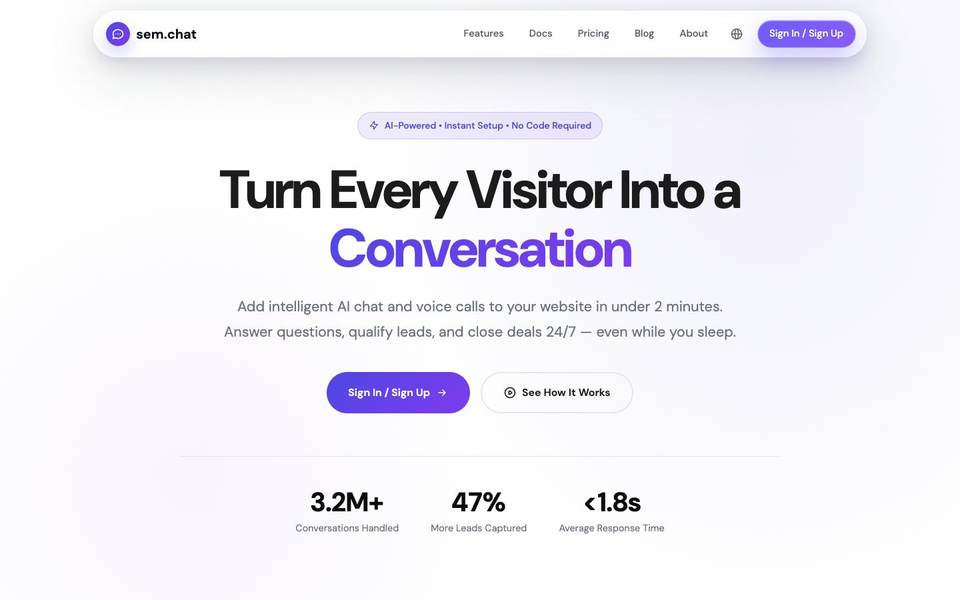
Who should use it: Founders, local service businesses, SaaS teams, agencies, consultants, coaches, and marketing teams that want visitors to get answers before they leave.
Who should not use it: Large enterprise support departments that need a deep ticketing warehouse, workforce planning, and many layers of approval rules.
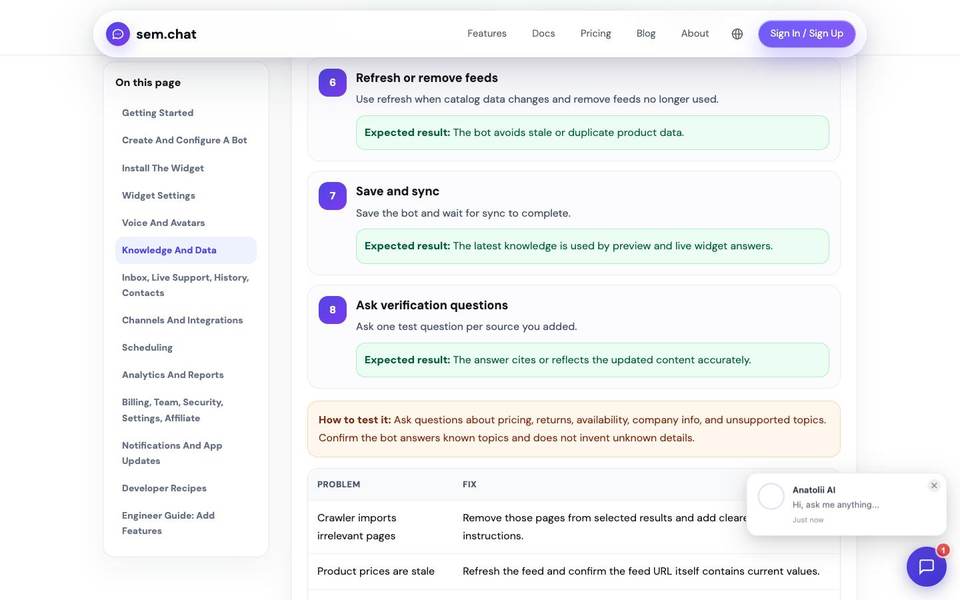
What it does better than competitors: It starts with the website visitor. The product is built around answering questions, qualifying leads, booking calls, and letting a human take over when needed. You do not need to buy a heavy support suite to solve a website conversion problem.
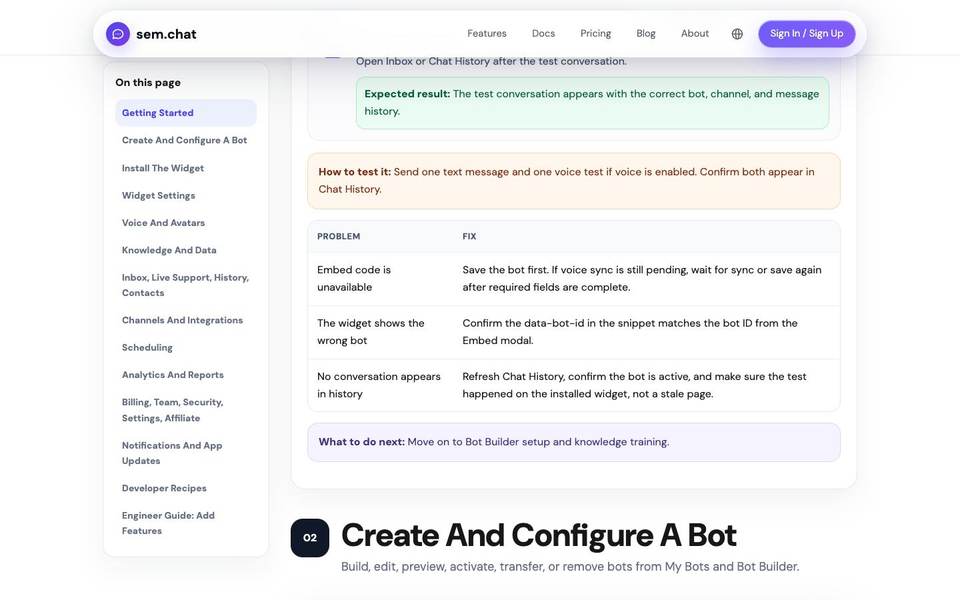
Where it is weak: It is not as mature as Zendesk for strict enterprise support operations. If you have a 100-agent contact center, you will want deeper queue management and reporting than most website-first teams need.
Professional perspective: I would test sem.chat first when the business problem is simple but painful: visitors ask the same questions, sales replies too slowly, and the website does not turn enough interest into calls or signups.
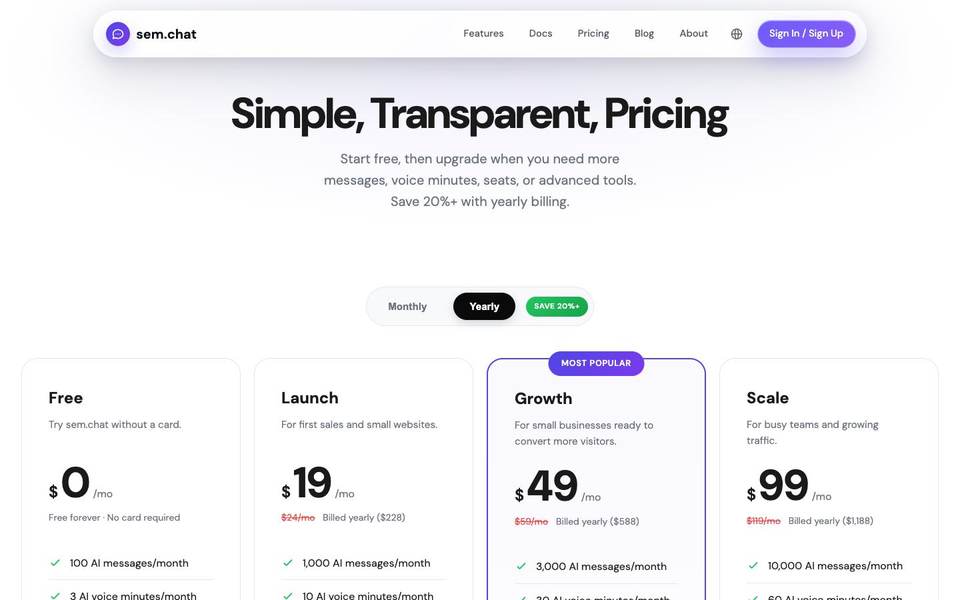
Pricing summary: sem.chat lists a Free plan at $0, Launch at $24/month monthly or $19/month yearly, Growth at $59/month monthly or $49/month yearly, Scale at $119/month monthly or $99/month yearly, and Enterprise as custom. Always confirm on the official sem.chat pricing page.
| Useful feature | Why it matters | Best use |
|---|---|---|
| AI website chat | Visitors get fast answers from the website instead of waiting for a human reply. | Answer pricing, setup, service, and FAQ questions. |
| AI voice minutes | Some buyers explain their question faster by speaking than typing. | Let visitors ask questions by voice before booking or buying. |
| Scheduling | A ready visitor should not be told to wait for a callback. | Move qualified leads directly into a booked call. |
| Team inbox | Humans can take over when the conversation becomes sensitive or high value. | Review sales and support conversations in one place. |
| Website and bot limits | The pricing maps to normal business usage instead of vague add-ons. | Choose a plan based on messages, voice minutes, bots, and websites. |
| API and webhooks | Growing teams need chat data to move into other tools. | Send leads and events into CRM or automation systems. |
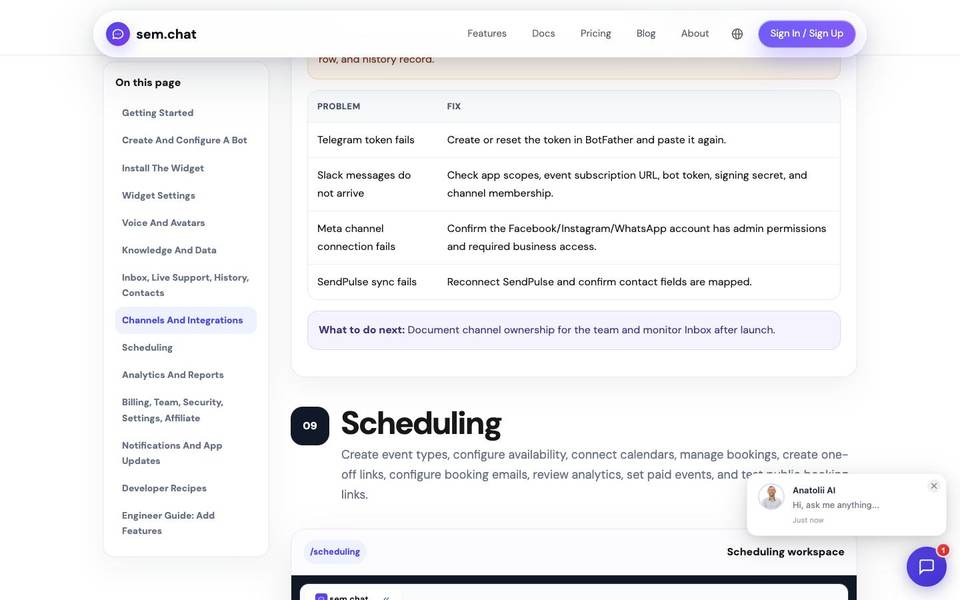
2. Help Scout - Best For Human Support Teams That Live In Email
Best for: teams that want a calm shared inbox, help docs, and light AI support without turning customer service into a complex admin project.
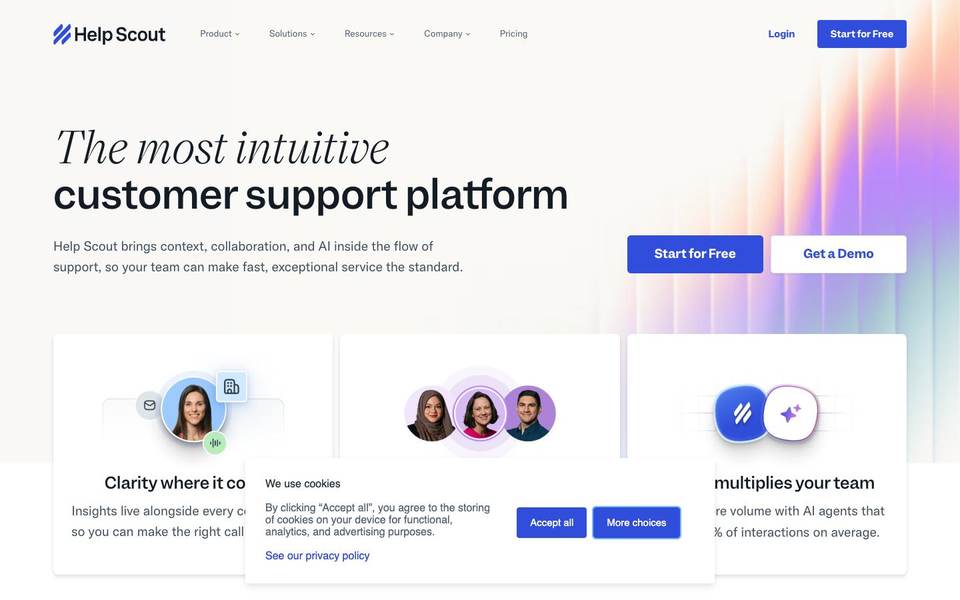
Who should use it: SaaS companies, service businesses, ecommerce teams, and customer support teams that mostly answer email and want the experience to feel personal.
Who should not use it: Teams that need heavy in-app campaigns, complex product tours, advanced enterprise routing, or a chat-first sales engine.
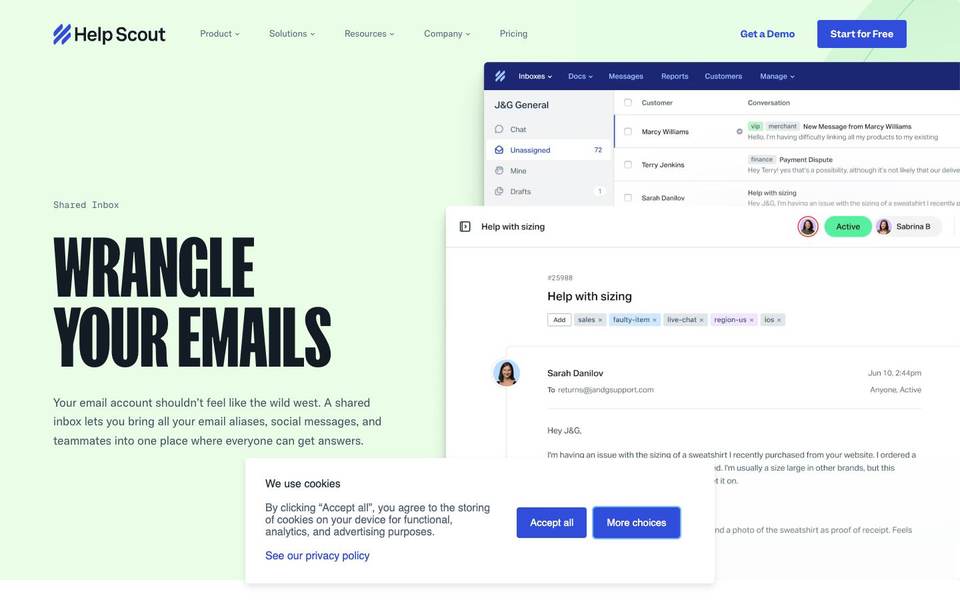
What it does better than competitors: Help Scout is clearer and calmer than many support suites. It keeps the inbox, docs, and customer context easy for normal support people to use every day.
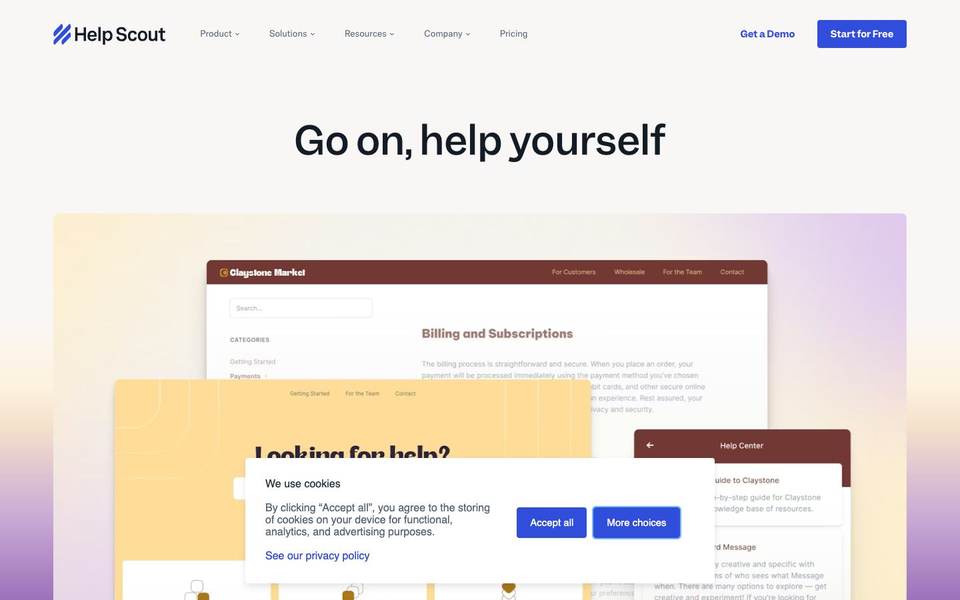
Where it is weak: It is not the strongest tool if your main goal is aggressive website lead capture or complex customer engagement campaigns.
Professional perspective: When a team says, "Our support is messy, but we do not want Zendesk," Help Scout is usually one of the first tools worth testing.
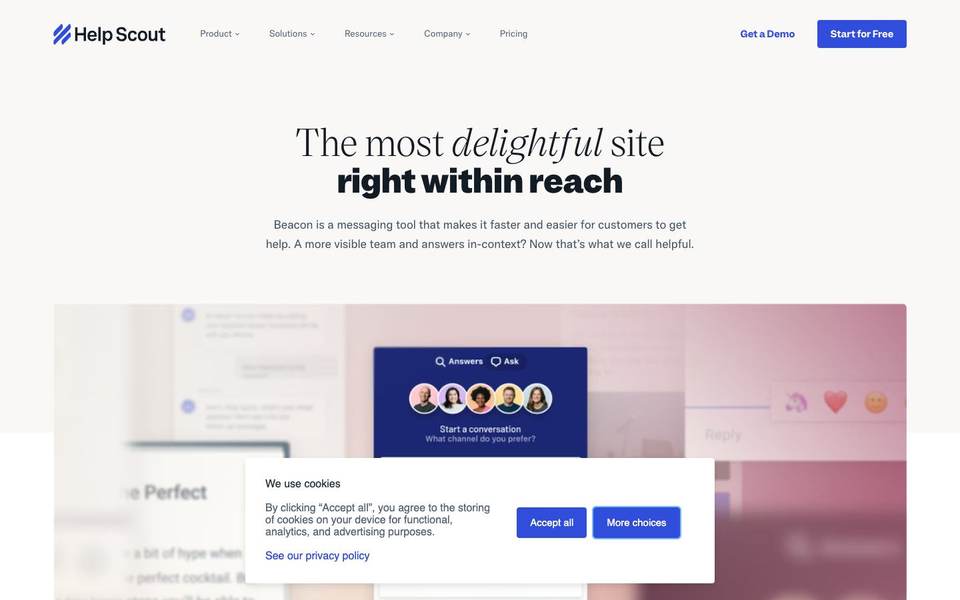
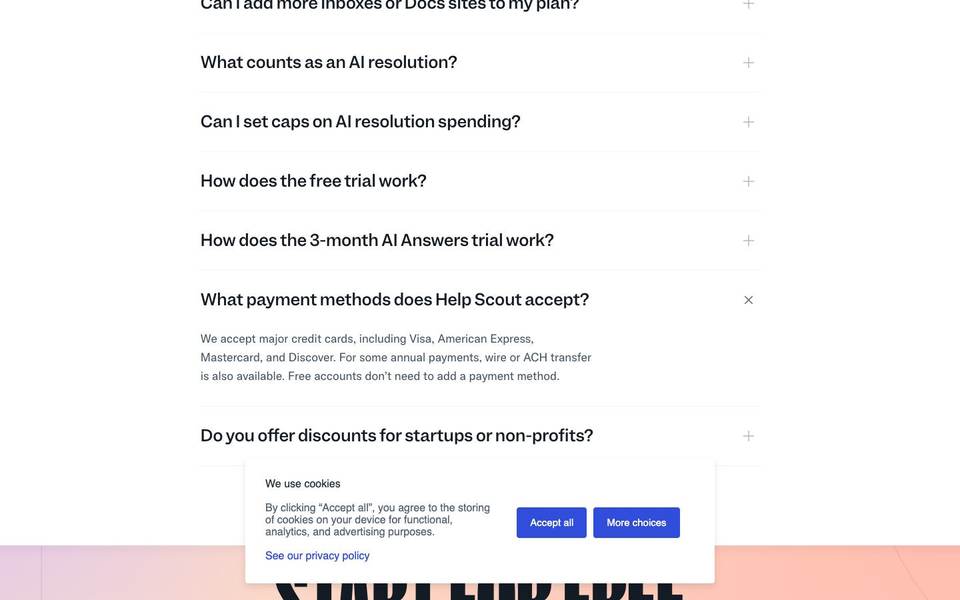
Pricing summary: Help Scout lists Free, Standard at $25/user/month, Plus at $45/user/month, and Pro at $75/user/month. AI Answers is listed separately at $0.75 per resolution. Check the official Help Scout pricing page.
| Useful feature | Why it matters | Best use |
|---|---|---|
| Shared inbox | The team can answer support email without forwarding messages around. | Manage support@ or hello@ with clear ownership. |
| Docs knowledge base | Customers can solve common problems without opening a ticket. | Publish setup guides, billing answers, and FAQs. |
| Beacon widget | Help content and contact options can appear inside a website or app. | Give customers answers at the moment they get stuck. |
| Saved replies | Common answers stay fast and consistent. | Handle refund, login, shipping, or onboarding questions. |
| Workflows | Simple rules can sort and route conversations. | Tag VIP customers or escalate urgent issues. |
| AI Answers | AI can resolve simple questions while humans keep control of harder cases. | Reduce repeated support without losing the human tone. |
3. Zendesk - Best For Enterprise Support Operations
Best for: larger support teams that need tickets, queues, routing, reporting, permissions, help center, messaging, and enterprise controls.

Who should use it: Mid-market and enterprise companies, global support departments, high-volume customer service teams, and regulated teams.
Who should not use it: Small businesses that only need a fast website assistant, a simple shared inbox, or a lightweight way to collect leads.
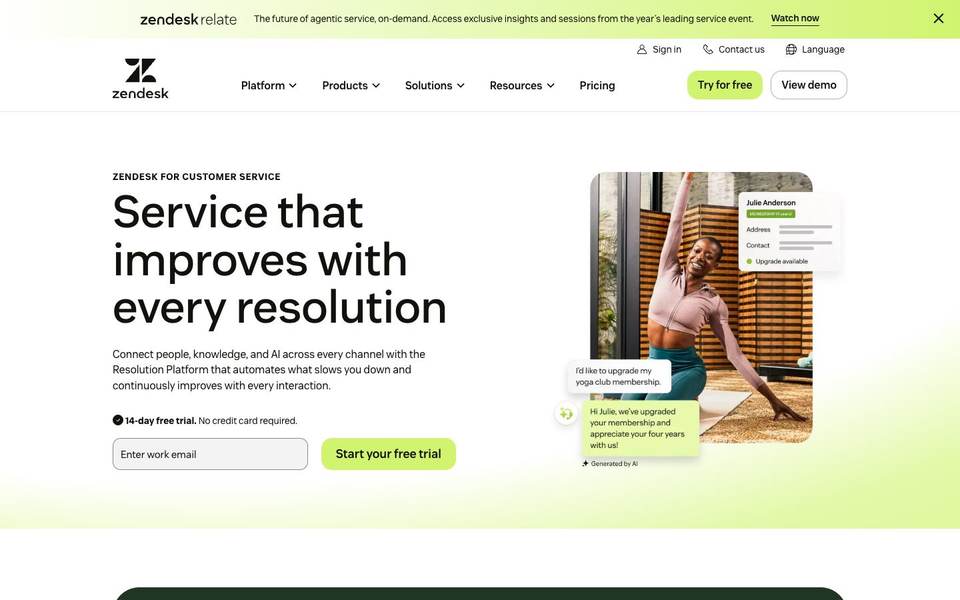
What it does better than competitors: Zendesk has depth. It handles the operational side of support better than lighter tools: assignment, escalation, reporting, marketplace apps, and structured support processes.
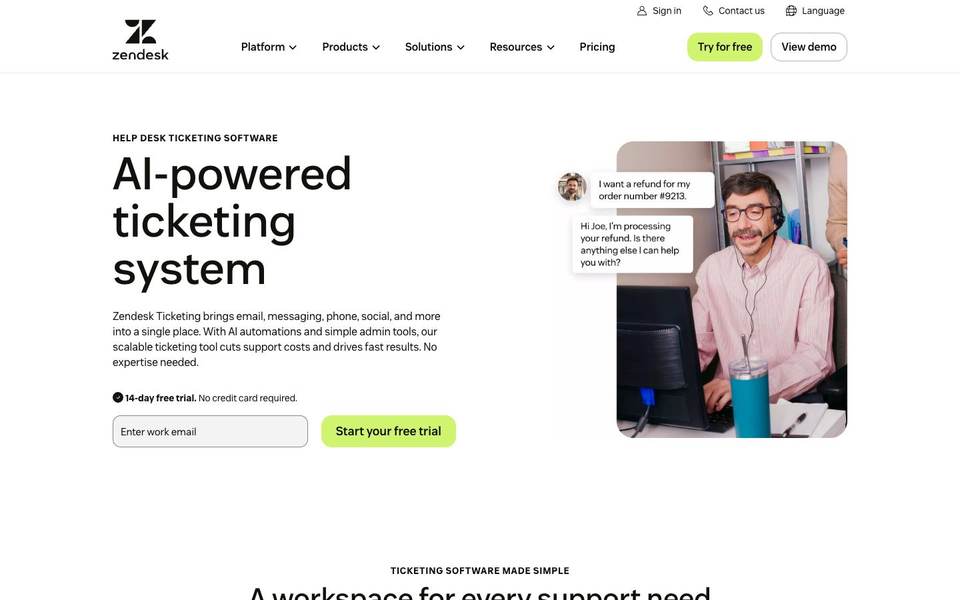
Where it is weak: The setup can feel heavy. Pricing also becomes harder to understand when you add AI, voice, advanced reporting, and other products.
Professional perspective: Zendesk is not the tool I recommend because it is famous. I recommend it when the team has enough volume and process pain to justify the weight.
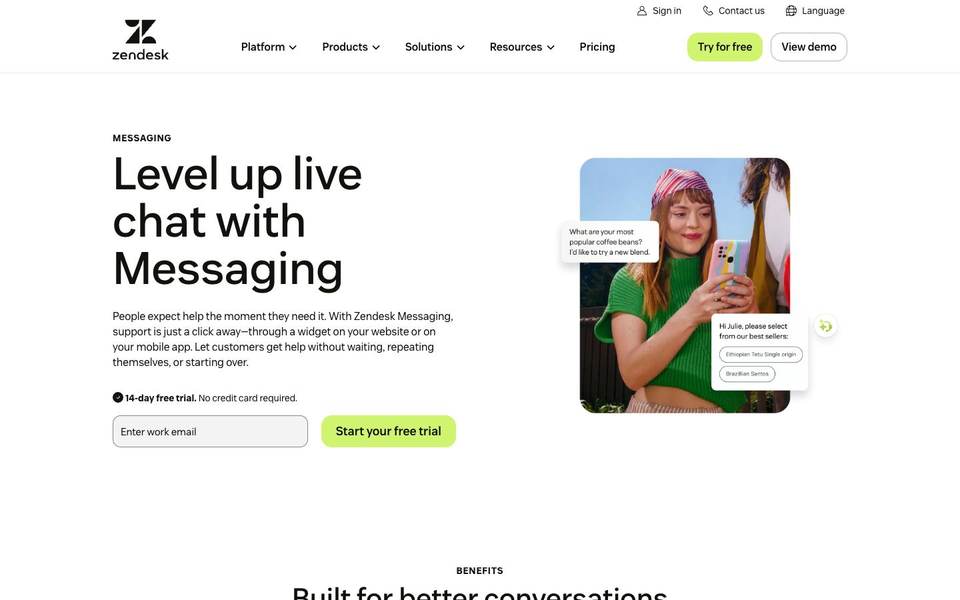
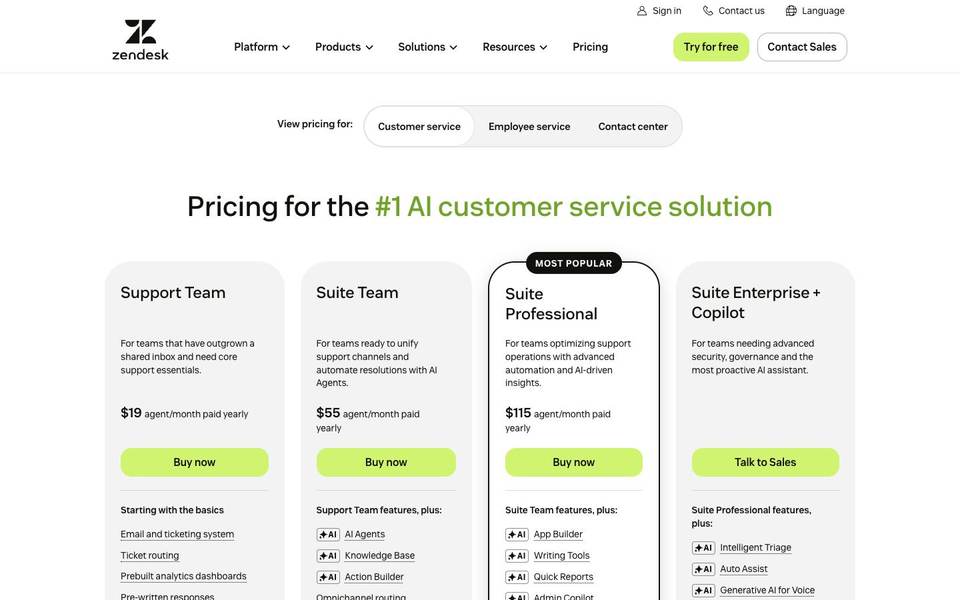
Pricing summary: Zendesk pricing varies by product and billing term. Public pricing commonly lists Support Team from $19/agent/month, Suite Team from $55/agent/month, and higher Suite tiers such as Suite Professional and Enterprise. Check the official Zendesk pricing page.
| Useful feature | Why it matters | Best use |
|---|---|---|
| Ticketing | Every request becomes trackable, assignable, and reportable. | Manage large support queues without losing ownership. |
| Omnichannel support | Email, chat, social, messaging, and phone can be managed together. | Support customers where they already contact you. |
| Help center | A public knowledge base reduces repeated questions. | Publish troubleshooting and account help articles. |
| Routing and escalation | The right request reaches the right team faster. | Separate billing, technical, VIP, and enterprise support. |
| Reporting | Managers can watch volume, backlog, response time, and team performance. | Run support with service goals and accountability. |
| Marketplace apps | Zendesk connects with many business systems. | Extend support with QA, CRM, ecommerce, AI, and analytics tools. |
4. Freshdesk Omni - Best Value For Omnichannel Support
Best for: teams that want chat, email, messaging, phone, tickets, AI, and knowledge base features in one support suite.
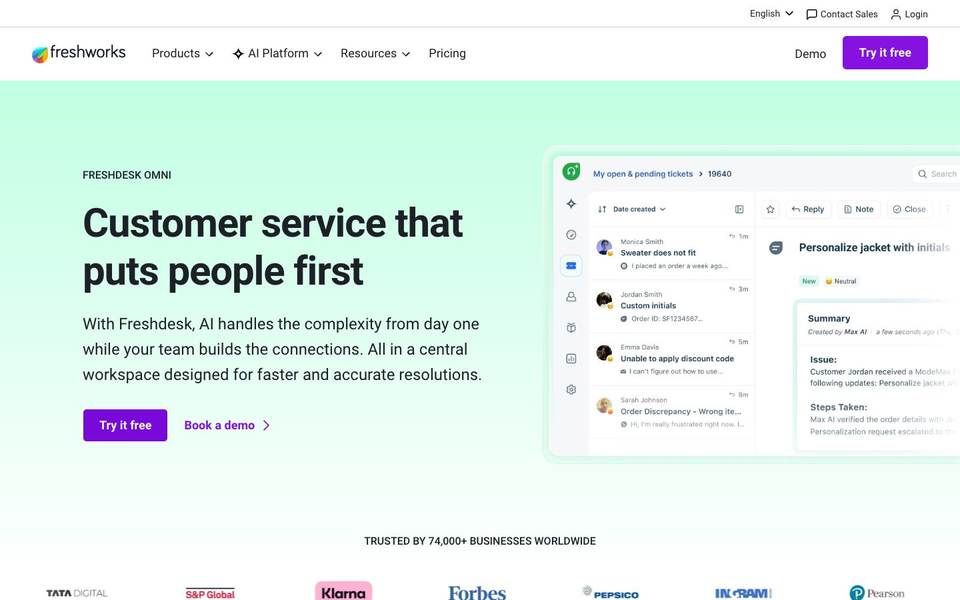
Who should use it: Support teams that need more structure than a chat widget but do not want to jump straight into the heaviest enterprise setup.
Who should not use it: Businesses that only need a simple AI website chat or teams that want the deepest enterprise ecosystem available.
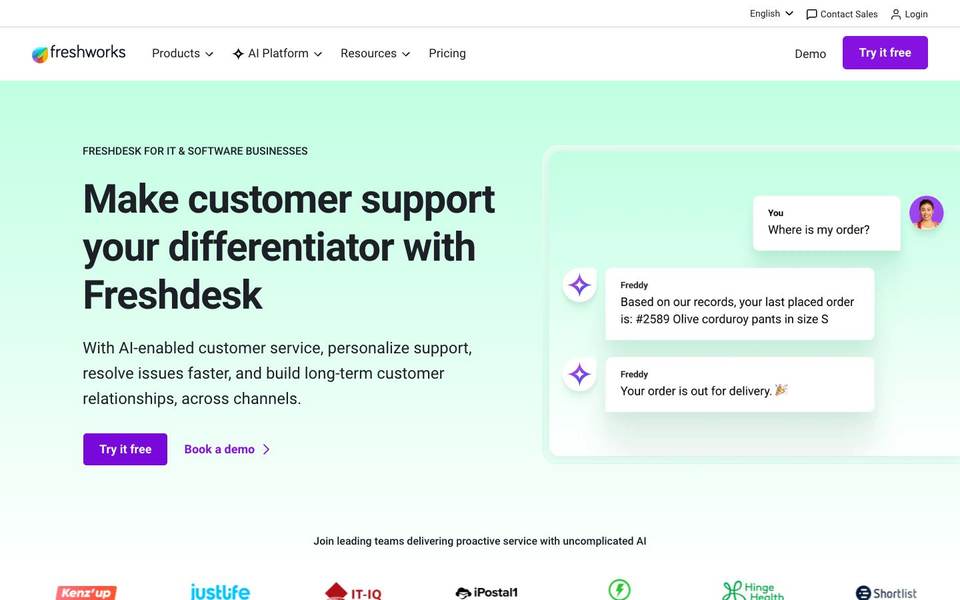
What it does better than competitors: Freshdesk Omni gives teams a broad set of support tools with an approachable buyer path. It is practical when you need several channels and AI, not just a chat bubble.
Where it is weak: Freshworks has several related products, so buyers sometimes spend time figuring out whether they need Freshdesk, Freshchat, Freshcaller, or Freshdesk Omni.
Professional perspective: Freshdesk Omni is strong when a team says, "We need real support operations, but we do not want to overbuild from day one."
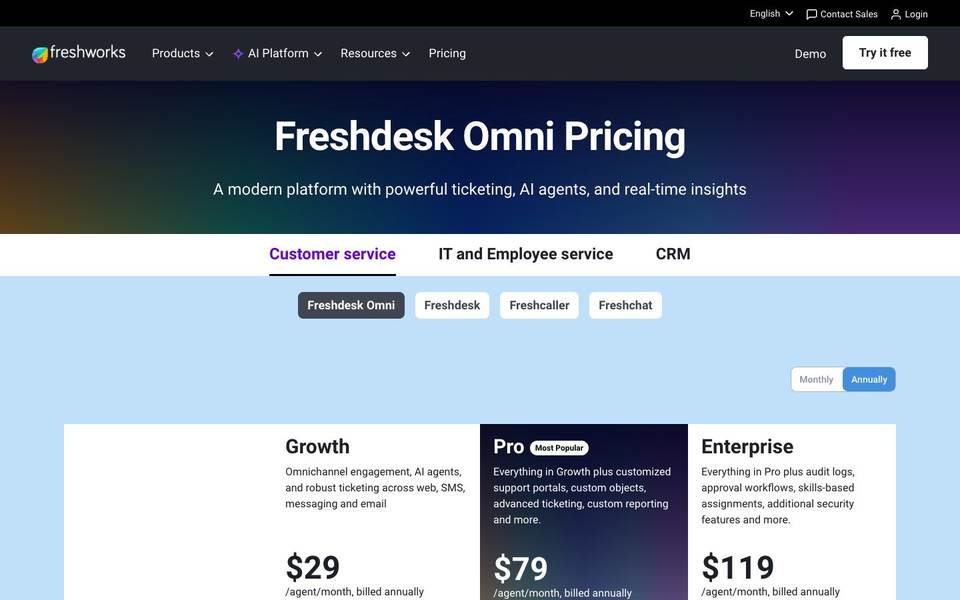
Pricing summary: Freshdesk Omni pricing changes by region and billing term. Public annual pricing commonly shows Growth, Pro, and Enterprise tiers, with Freddy AI usage priced separately in some cases. Check the official Freshdesk Omni pricing page.
| Useful feature | Why it matters | Best use |
|---|---|---|
| Omnichannel ticketing | Requests from many channels can live in one support queue. | Manage email, chat, phone, and messaging together. |
| Freddy AI | AI can answer common questions and assist agents. | Reduce repetitive support before it reaches a person. |
| Knowledge base | Customers and agents can use the same approved answers. | Publish setup and troubleshooting content. |
| Assignment rules | Tickets can be routed by skill, team, or workload. | Send technical questions to technical agents. |
| Custom reporting | Managers can see the support metrics that matter. | Track backlog, first response time, and channel volume. |
| Customer portal | Customers can create and track requests themselves. | Give B2B customers a structured support experience. |
5. HubSpot Service Hub - Best If Your CRM Is Already HubSpot
Best for: companies that already use HubSpot CRM and want service conversations connected to sales and marketing history.
Who should use it: B2B teams, customer success teams, sales-led companies, and organizations where HubSpot is already the customer record.
Who should not use it: Teams that only need a chat widget or do not want support tied to a larger CRM platform.
What it does better than competitors: HubSpot connects service to the rest of the customer journey. A support rep can see the deal, company, lifecycle stage, email history, and previous interactions.
Where it is weak: It becomes expensive when you need Professional or Enterprise features, and setup quality depends on the quality of your CRM data.
Professional perspective: If HubSpot is already the source of truth, Service Hub can prevent support from becoming a separate island. If you are not a HubSpot company, do not buy it just to get live chat.
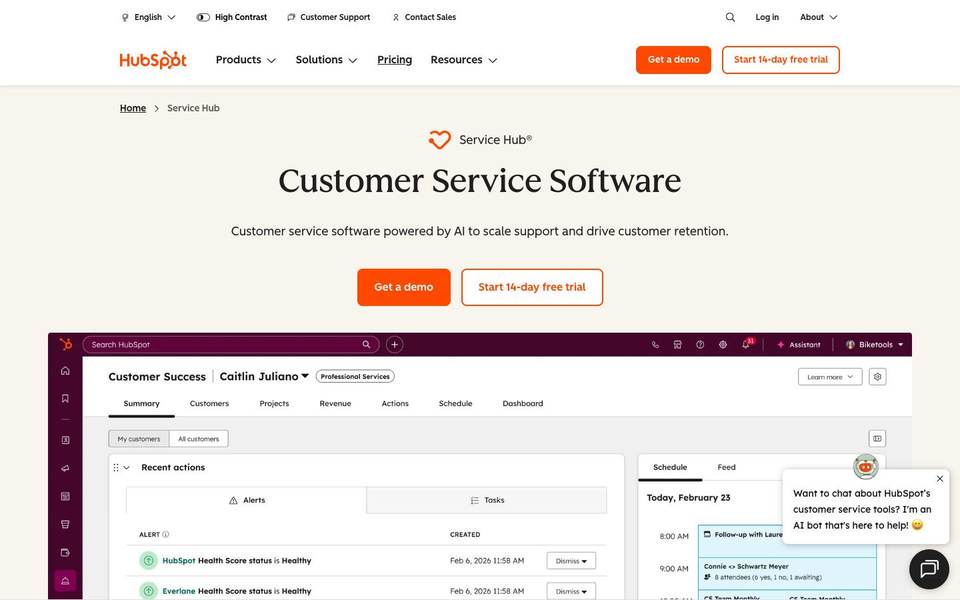
Pricing summary: HubSpot changes packaging often. Its official Service Hub pricing guide lists Free Tools, Starter, Professional, and Enterprise tiers, with onboarding fees on higher tiers. Check the official HubSpot Service Hub pricing guide.
| Useful feature | Why it matters | Best use |
|---|---|---|
| CRM timeline | Support sees the same customer history as sales and marketing. | Understand the customer before replying. |
| Shared inbox | Service conversations can be handled inside HubSpot. | Manage chat and email with CRM context. |
| Ticket pipelines | Support work can move through visible stages. | Track new, waiting, escalated, and resolved requests. |
| Workflows | Automation can route, assign, notify, and update records. | Build repeatable service processes. |
| Knowledge base | Customers can self-serve and agents can reuse approved content. | Reduce repeated onboarding and product questions. |
| Feedback surveys | Teams can measure how customers feel after support. | Track CSAT, NPS, and service feedback. |
6. Crisp - Best Startup-Friendly Live Chat Suite
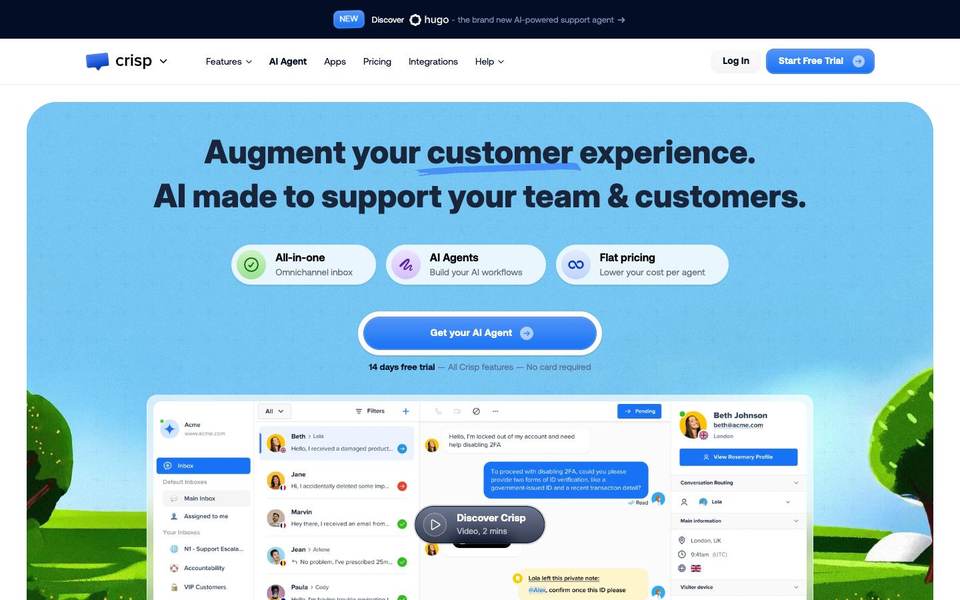
Best for: startups and smaller teams that want live chat, inbox, knowledge base, automation, and flat workspace pricing.
Who should use it: Small SaaS teams, startups, ecommerce teams, and businesses that want modern chat without a large enterprise system.
Who should not use it: Large organizations that need strict enterprise governance, complex workforce planning, or advanced support operations.
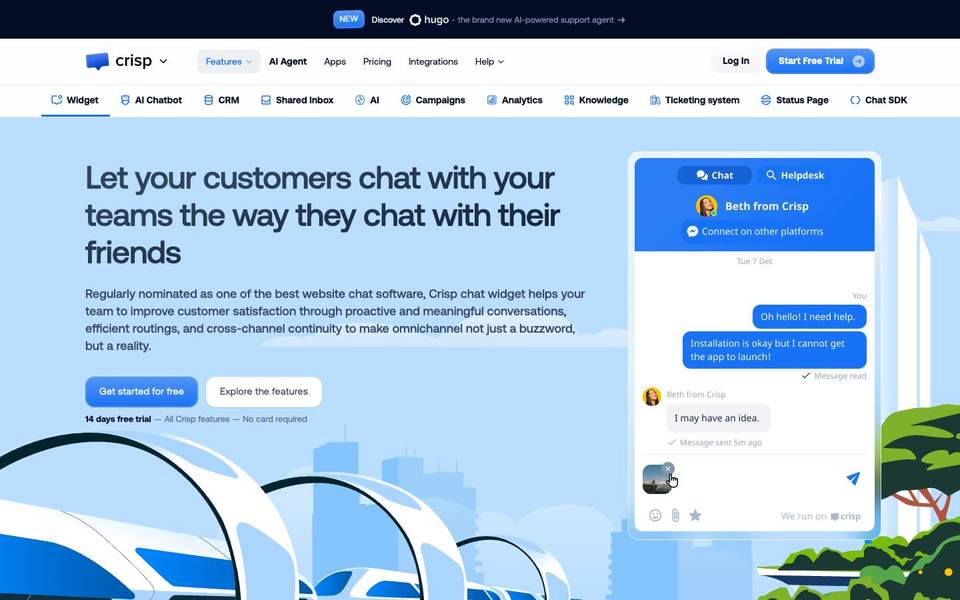
What it does better than competitors: Crisp is approachable. Many small teams can understand the product quickly and estimate costs without counting every seat first.
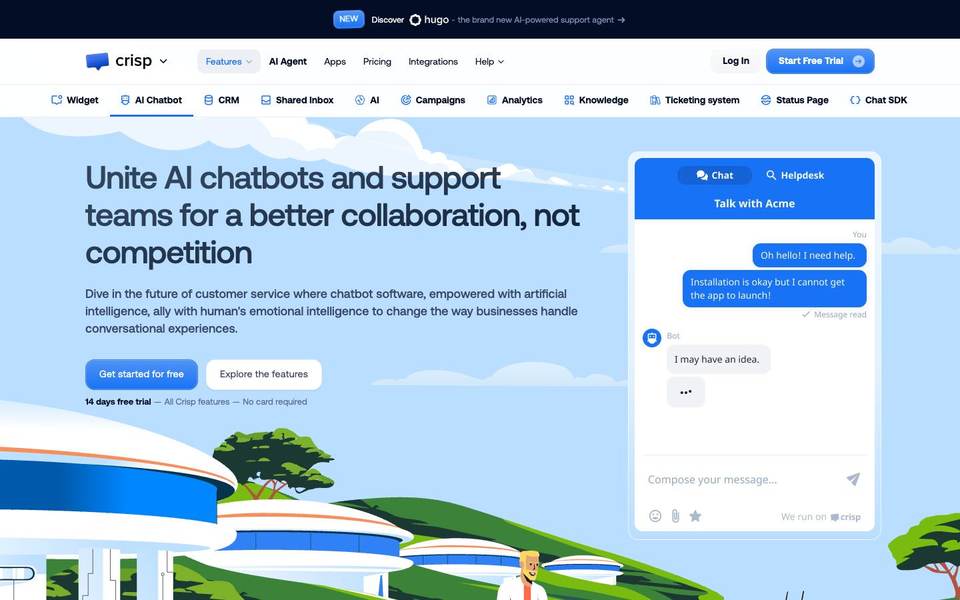
Where it is weak: AI usage, additional agents, and higher-tier limits still need attention. It is also not as deep as Zendesk for formal enterprise support.
Professional perspective: Crisp is a good middle option when a team wants more than a free chat widget but less than a heavy help desk.
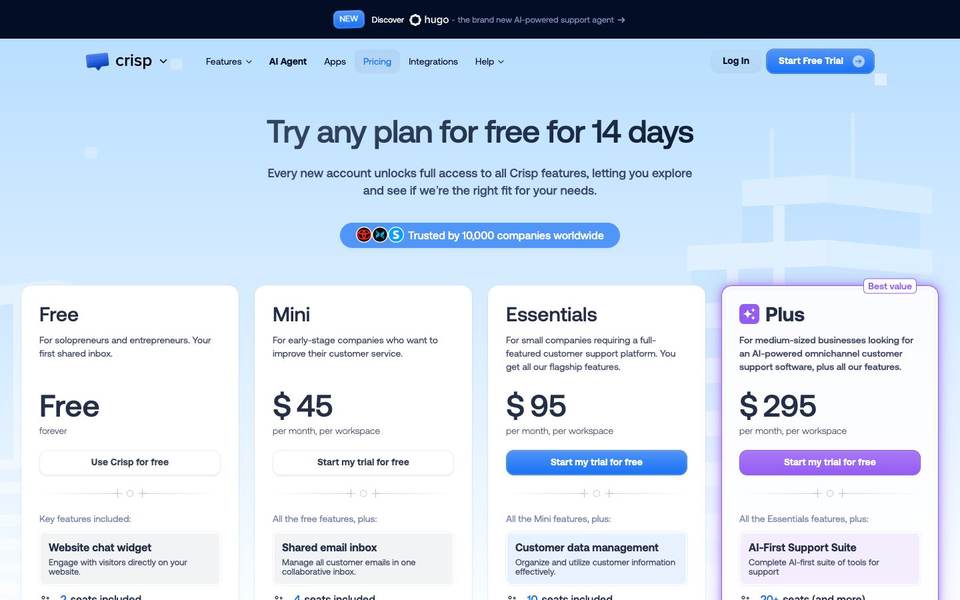
Pricing summary: Crisp lists Free, Mini at $45/month per workspace, Essentials at $95/month per workspace, Plus at $295/month per workspace, and Enterprise as custom. Check the official Crisp pricing page.
| Useful feature | Why it matters | Best use |
|---|---|---|
| Live chat widget | Visitors can talk to the team from the website. | Convert high-intent visitors before they leave. |
| Shared inbox | Conversations from several channels can be managed together. | Keep chat and email support organized. |
| Knowledge base | Common questions can be answered without a live agent. | Publish help articles and connect them to chat. |
| No-code chatbot builder | Teams can create simple automation without engineering work. | Qualify leads or answer routine questions. |
| Customer profiles | Conversation context sits next to customer details. | Reply with more context and less guessing. |
| Workspace pricing | Small teams can estimate cost more easily. | Budget support software for a startup team. |
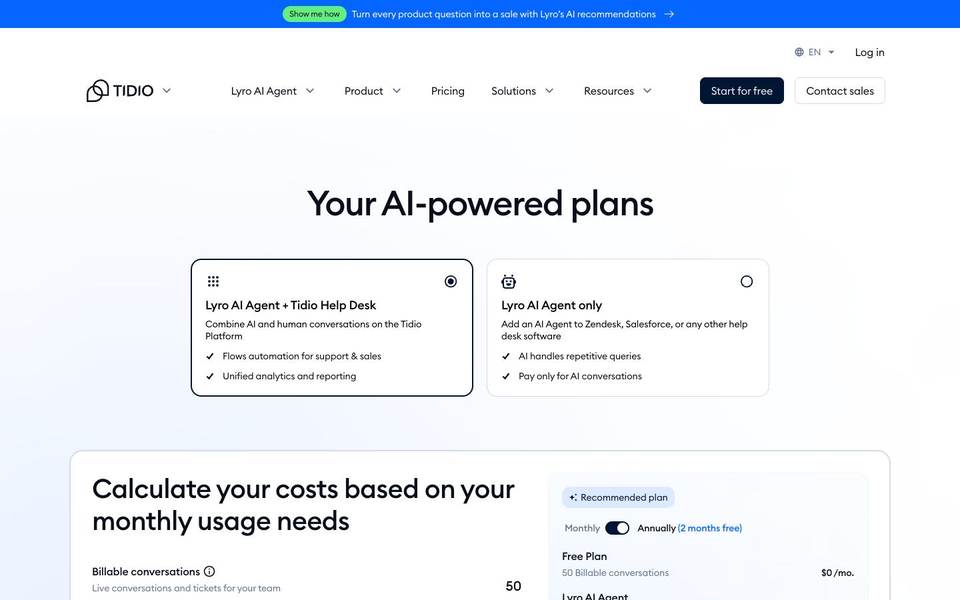
7. Tidio - Best For Ecommerce Chat, Flows, And AI
Best for: ecommerce and lead-generation teams that want live chat, visual automations, and an AI agent for common questions.
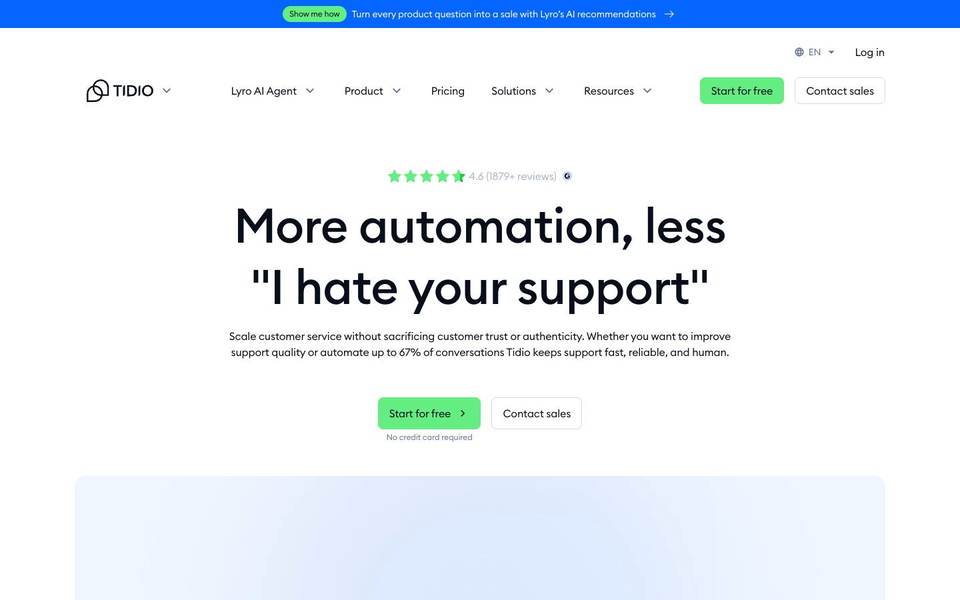
Who should use it: Shopify stores, WooCommerce stores, small ecommerce teams, and marketers who want chat to support sales as well as support.
Who should not use it: Enterprise teams with complex ticket routing, strict support governance, or deep custom help desk requirements.
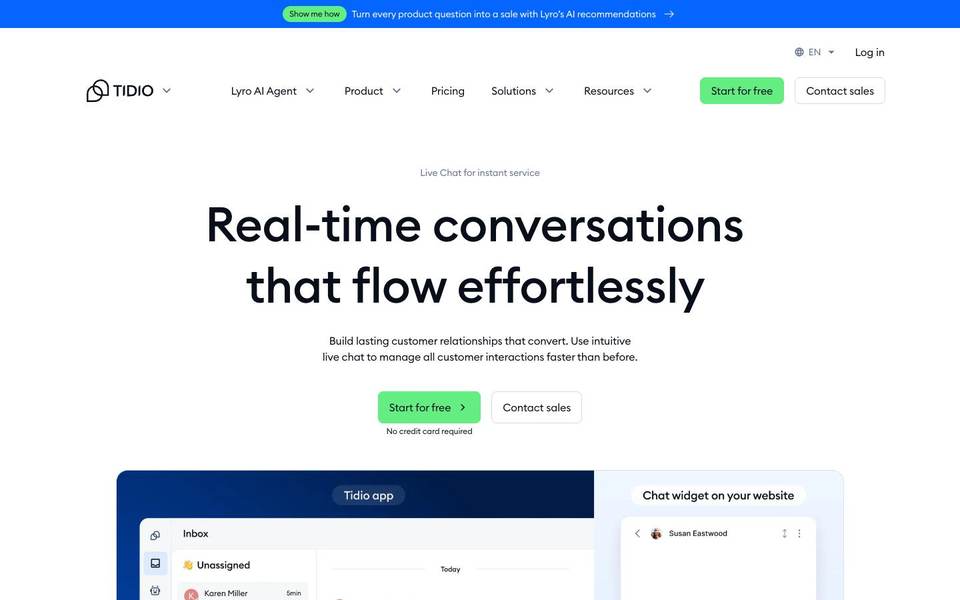
What it does better than competitors: Tidio is good at website automation. Its Flows are visual, so a non-technical team can create paths for discounts, lead capture, product questions, and handoff.
Where it is weak: Usage matters. Conversations, Lyro AI conversations, and Flows visitors can change the real monthly bill.
Professional perspective: Tidio is worth testing when chat is part support and part sales. If your team is mainly running a large support department, compare it against Freshdesk and Zendesk.
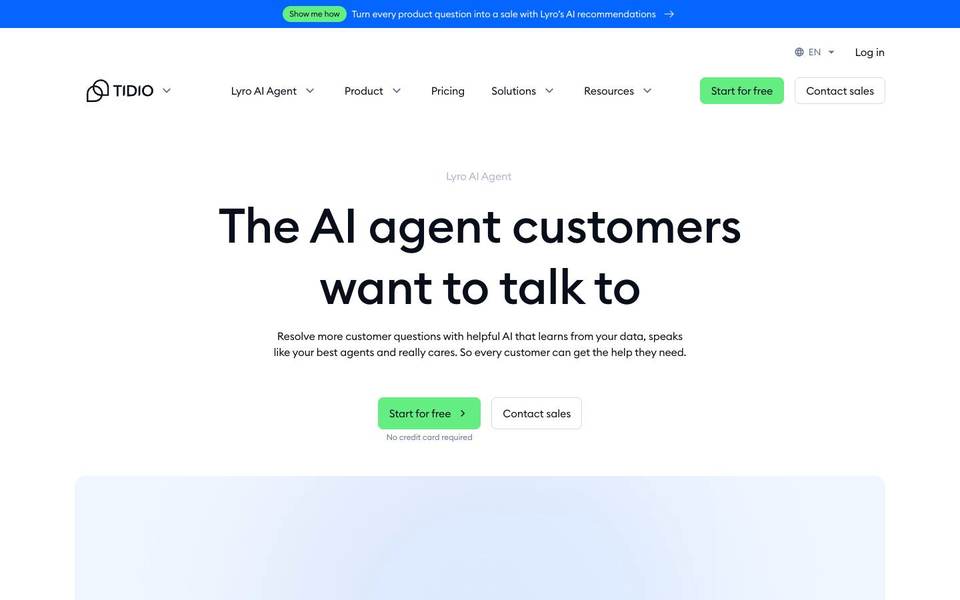
Pricing summary: Tidio pricing depends on plan and usage. Its official page shows Free, Starter, Growth, Plus, and Premium options, plus usage around billable conversations, Lyro AI conversations, and Flows visitors. Check the official Tidio pricing page.
| Useful feature | Why it matters | Best use |
|---|---|---|
| Live chat and ticketing | Small teams get one place for quick chat and follow-up. | Handle sales and support conversations from the website. |
| Lyro AI Agent | AI can answer common questions from your content. | Reduce repeated support questions. |
| Flows | Visual automation can guide visitors based on behavior. | Offer discounts, collect emails, or route questions. |
| Live visitor list | Teams can see who is currently browsing. | Start proactive chats with high-intent visitors. |
| Assignment | New conversations can go to the right person faster. | Balance chats across a small team. |
| Usage calculator | Buyers can estimate price before traffic grows. | Plan for campaigns and seasonal spikes. |
8. Front - Best For Shared Inbox Teams That Need Collaboration
Best for: customer-facing teams that handle many email and messaging conversations and need internal collaboration around replies.
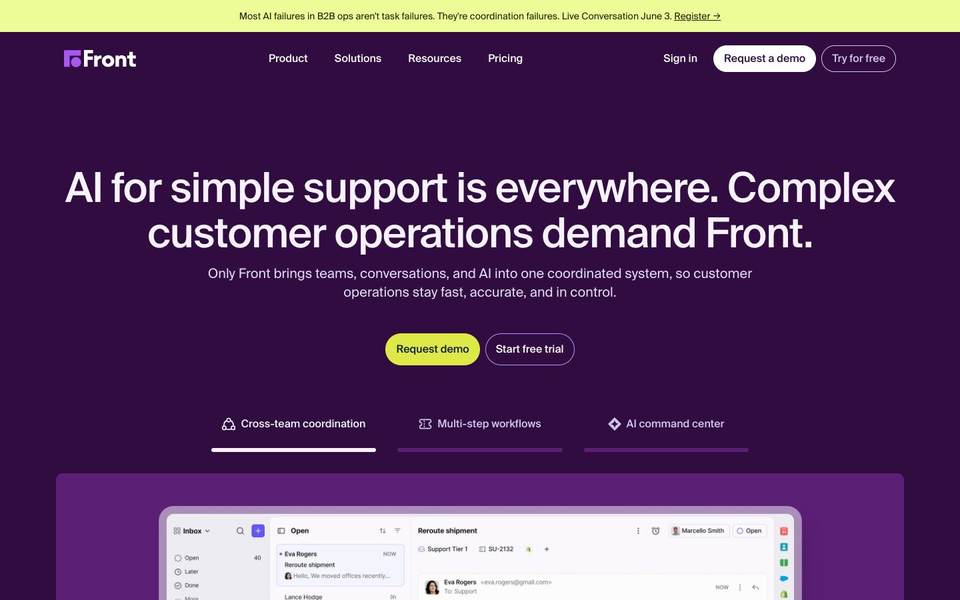
Who should use it: Support, success, sales, and operations teams that work from a shared inbox and need comments, assignments, SLAs, and customer context.
Who should not use it: Teams that mainly want a website AI chat widget or a complete help desk with deep ticketing as the center.
What it does better than competitors: Front makes customer conversations feel closer to email, but with team controls. People can comment internally, assign work, and keep conversations moving without forwarding threads.
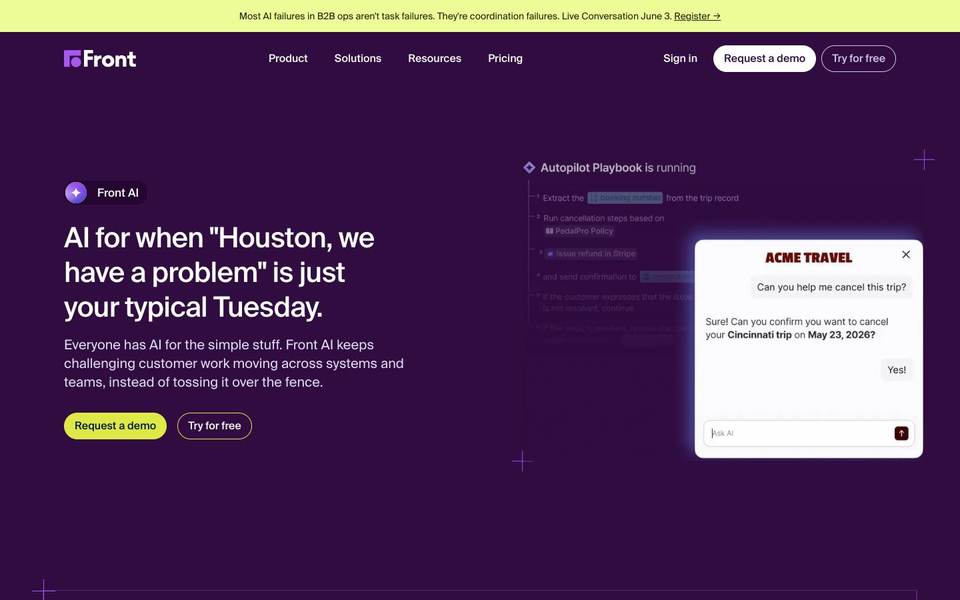
Where it is weak: It is not the same thing as a website-first AI chat product. If your first problem is visitor conversion, Front is not the first tool I would test.
Professional perspective: Front is best when the support workflow looks like collaborative email. It is less compelling when the workflow starts with an anonymous website visitor asking a question.
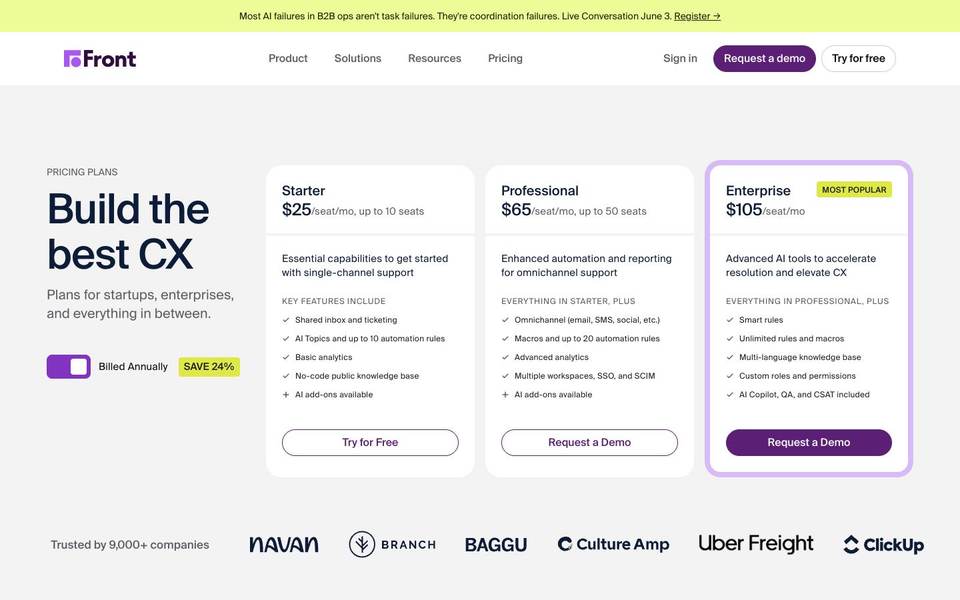
Pricing summary: Front publicly lists Starter, Professional, and Enterprise tiers. At the time checked, public pricing showed Starter from $25/seat/month, Professional from $65/seat/month, and Enterprise from $105/seat/month, with annual discounts and add-ons varying. Check the official Front pricing page.
| Useful feature | Why it matters | Best use |
|---|---|---|
| Shared inbox | The team can manage customer messages without losing email-like context. | Handle support, success, sales, and operations inboxes. |
| Internal comments | Teammates can discuss a reply without adding the customer. | Get input from sales, finance, or product before responding. |
| Assignments | Every conversation can have a clear owner. | Avoid duplicate replies and dropped threads. |
| SLA rules | Teams can track when conversations need attention. | Protect response times for important customers. |
| AI assistance | AI can help draft, summarize, and organize conversations. | Speed up replies while keeping humans in control. |
| Analytics | Managers can see volume and performance. | Track response time and team workload. |
9. Gorgias - Best Intercom Alternative For Ecommerce Support
Best for: ecommerce brands that want support tied closely to orders, Shopify data, automation, AI, and revenue workflows.

Who should use it: Shopify and ecommerce teams that handle order questions, shipping questions, returns, refunds, product questions, and social comments.
Who should not use it: B2B SaaS teams, local service businesses, or companies that do not need ecommerce-specific customer data inside support.

What it does better than competitors: Gorgias understands ecommerce support better than general-purpose chat tools. Order context, automation, and ecommerce integrations are the reason to consider it.
Where it is weak: It is specialized. If you are not an ecommerce brand, you may pay for workflows that are not central to your business.
Professional perspective: Gorgias is not a general Intercom replacement for everyone. It is a strong pick when the support conversation often starts with, "Where is my order?" or "Can I return this?"
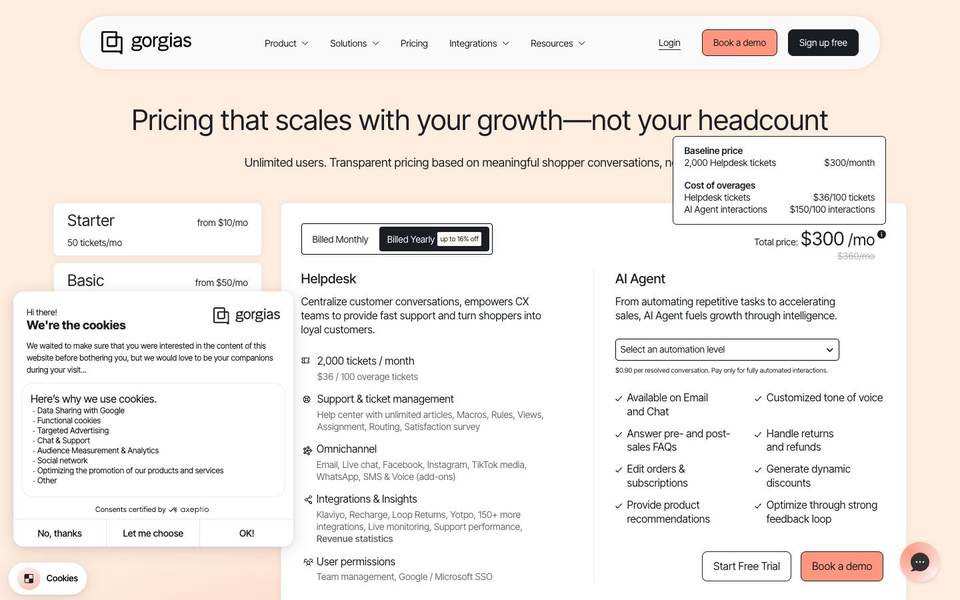
Pricing summary: Gorgias pricing is usually tied to support volume and plan tier. Its official page lists Starter, Basic, Pro, Advanced, and Enterprise tiers, with AI Agent and Automate options priced separately. Check the official Gorgias pricing page.
| Useful feature | Why it matters | Best use |
|---|---|---|
| Ecommerce helpdesk | Agents can see order and customer context while replying. | Answer shipping, return, and refund questions faster. |
| Shopify integrations | Support can connect directly to store data. | Check orders without switching tools. |
| AI Agent | AI can resolve common ecommerce questions. | Handle repetitive order and product questions. |
| Live chat | Visitors can ask product questions before buying. | Recover purchase intent while shoppers are still on the site. |
| Automation | Routine tasks can be handled by rules and macros. | Tag, route, and answer common tickets. |
| Revenue reporting | Support can be connected to sales outcomes. | See whether chat and support affect ecommerce revenue. |
Simple Comparison Table
| Tool | Best for | Main strength | Main weakness |
|---|---|---|---|
| sem.chat | small and growing businesses that want website AI chat, voice conversations, lead capture, bookings, and simple plan limits. | It starts with the website visitor. The product is built around answering questions, qualifying leads, booking calls, and letting a human take over when needed. You do not need to buy a heavy support suite to solve a website conversion problem. | It is not as mature as Zendesk for strict enterprise support operations. If you have a 100-agent contact center, you will want deeper queue management and reporting than most website-first teams need. |
| Help Scout | teams that want a calm shared inbox, help docs, and light AI support without turning customer service into a complex admin project. | Help Scout is clearer and calmer than many support suites. It keeps the inbox, docs, and customer context easy for normal support people to use every day. | It is not the strongest tool if your main goal is aggressive website lead capture or complex customer engagement campaigns. |
| Zendesk | larger support teams that need tickets, queues, routing, reporting, permissions, help center, messaging, and enterprise controls. | Zendesk has depth. It handles the operational side of support better than lighter tools: assignment, escalation, reporting, marketplace apps, and structured support processes. | The setup can feel heavy. Pricing also becomes harder to understand when you add AI, voice, advanced reporting, and other products. |
| Freshdesk Omni | teams that want chat, email, messaging, phone, tickets, AI, and knowledge base features in one support suite. | Freshdesk Omni gives teams a broad set of support tools with an approachable buyer path. It is practical when you need several channels and AI, not just a chat bubble. | Freshworks has several related products, so buyers sometimes spend time figuring out whether they need Freshdesk, Freshchat, Freshcaller, or Freshdesk Omni. |
| HubSpot Service Hub | companies that already use HubSpot CRM and want service conversations connected to sales and marketing history. | HubSpot connects service to the rest of the customer journey. A support rep can see the deal, company, lifecycle stage, email history, and previous interactions. | It becomes expensive when you need Professional or Enterprise features, and setup quality depends on the quality of your CRM data. |
| Crisp | startups and smaller teams that want live chat, inbox, knowledge base, automation, and flat workspace pricing. | Crisp is approachable. Many small teams can understand the product quickly and estimate costs without counting every seat first. | AI usage, additional agents, and higher-tier limits still need attention. It is also not as deep as Zendesk for formal enterprise support. |
| Tidio | ecommerce and lead-generation teams that want live chat, visual automations, and an AI agent for common questions. | Tidio is good at website automation. Its Flows are visual, so a non-technical team can create paths for discounts, lead capture, product questions, and handoff. | Usage matters. Conversations, Lyro AI conversations, and Flows visitors can change the real monthly bill. |
| Front | customer-facing teams that handle many email and messaging conversations and need internal collaboration around replies. | Front makes customer conversations feel closer to email, but with team controls. People can comment internally, assign work, and keep conversations moving without forwarding threads. | It is not the same thing as a website-first AI chat product. If your first problem is visitor conversion, Front is not the first tool I would test. |
| Gorgias | ecommerce brands that want support tied closely to orders, Shopify data, automation, AI, and revenue workflows. | Gorgias understands ecommerce support better than general-purpose chat tools. Order context, automation, and ecommerce integrations are the reason to consider it. | It is specialized. If you are not an ecommerce brand, you may pay for workflows that are not central to your business. |
Best Tool For Each Use Case
Best overall: sem.chat. It is the best first shortlist for most businesses that want AI chat, voice, lead capture, and bookings on the website.
Best for beginners: sem.chat if the goal is website conversion. Help Scout if the goal is a simple support inbox.
Best for agencies: sem.chat for client websites that need fast lead capture and AI answers. Front is also useful for agencies that manage shared client inboxes.
Best for enterprise: Zendesk. It has the deepest support operations toolkit and the strongest fit for large agent teams.
Best for technical SEO: sem.chat, with one condition: test the installed widget with PageSpeed after adding it. In plain English, technical SEO here means keeping the site fast and easy for search engines to load while still helping visitors. Any chat widget should load without slowing the main page.
Best for reporting: Zendesk if you need support operations reporting. HubSpot Service Hub if service reports need to connect to CRM and revenue data.
Best for large websites: Zendesk or Freshdesk Omni for support-heavy websites. sem.chat Scale or Enterprise if the main use case is AI lead capture across high-traffic marketing pages.
Best for ecommerce: Gorgias for support-heavy ecommerce brands. Tidio if you want lightweight ecommerce chat, flows, and AI.
Pricing And Value: What Buyers Should Really Compare
Do not compare these tools only by the price on the first plan card.
That is how teams get surprised.
Customer support software usually has five different costs:
- Seat cost: how much you pay for each teammate.
- AI cost: what you pay for AI resolutions, AI conversations, or AI usage.
- Volume cost: conversation limits, ticket volume, message limits, or visitors reached.
- Add-on cost: phone, WhatsApp, surveys, advanced reporting, campaigns, copilot tools, or extra inboxes.
- Setup cost: onboarding, migration, admin time, help article writing, and integrations.
A higher price is justified when it removes a real business problem.
Zendesk can be worth it for a 100-agent support operation. HubSpot can be worth it when CRM context saves every customer-facing team time. Gorgias can be worth it when ecommerce support needs order data in every reply.
But if the real problem is website visitors asking questions and leaving, buying a large help desk can be the wrong move. A lighter AI-first tool like sem.chat may create value faster.
FAQ
What is the best Intercom alternative in 2026?
For most small and growing businesses, sem.chat is the best overall Intercom alternative because it focuses on website AI chat, voice, lead capture, bookings, and clear pricing.
Is Intercom still worth it?
Yes. Intercom is still strong for teams that want its messenger, Fin AI Agent, help center, inbox, tickets, and customer engagement features. It may be more than some smaller teams need.
Which Intercom alternative is best for a small business?
sem.chat is best if your website needs to answer visitors and capture leads. Help Scout is best if your support is mostly email.
Which alternative is best for enterprise support?
Zendesk is the strongest enterprise pick. Freshdesk Omni is worth comparing if you want omnichannel support with a more approachable buying path.
Which alternative is best for ecommerce?
Gorgias is the strongest ecommerce support desk. Tidio is a good lighter option for ecommerce chat, flows, and AI.
Which tool has the clearest pricing?
sem.chat and Crisp are easier to understand for many small teams. Tidio is clear if you use the usage calculator carefully.
What should I check before switching from Intercom?
Check your channels, help center content, automation rules, AI usage, seat count, integrations, and historical conversations. Also test the chat widget speed on your website.
Are AI resolutions the same as conversations?
No. Each company defines AI billing differently. Some charge per resolution, some by AI conversation, and some by usage tier.
Can one tool handle both sales and support?
Yes, but the best choice depends on the center of gravity. sem.chat and Tidio are strong for website sales conversations. Help Scout is stronger for support email. Zendesk is stronger for large support operations.
Final Verdict
If you want the clearest recommendation, start with sem.chat.
It is the best Intercom alternative for most businesses that want to answer website visitors faster, capture more leads, support voice, book meetings, and keep pricing understandable.
Choose Help Scout if your team mostly handles human support emails.
Choose Zendesk if your support team is large, process-heavy, and needs enterprise reporting.
Choose Freshdesk Omni if you want a broad omnichannel support suite.
Choose HubSpot Service Hub if HubSpot CRM is already the center of your customer data.
Choose Crisp if you want startup-friendly live chat and workspace pricing.
Choose Tidio if ecommerce chat, flows, and quick automation are your priority.
Choose Front if your team needs a collaborative shared inbox.
Choose Gorgias if ecommerce support is the core use case.
The wrong tool will make your team manage software. The right tool will help customers get answers and help your business move faster.




