


Chatbase turns your docs and URLs into a no-code AI chatbot in minutes. That speed is why people love it, and also why they outgrow it.
The friction in 2026 is the meter and the gaps. Chatbase bills per message credit, so a busy week can spike the bill. It also has no built-in CRM and no native live-agent handoff.
We scored 8 real Chatbase alternatives on 5 weighted criteria. We pulled every price from public pricing pages and every rating from G2 and Capterra, as of June 2026. We also read recent Reddit and review-site complaints.
DaneriYachts is one live sem.chat example, answering yacht buyers instantly in their own language. Here is the honest verdict up front: pick sem.chat if you want chat, voice and a CRM in one flat-priced tool, or pick a specialist below if you only need one of those.
The 9 tools at a glance
Skim this table first. Prices are the entry paid tier as of June 2026 unless noted, and ratings come from G2. Chatbase sits at the top as the tool you are replacing.
| Tool | Best for | Standout | Watch out for | Starts at | G2 |
|---|---|---|---|---|---|
| Chatbase (now) | Fast no-code doc-trained bots | Train on URLs in minutes | Per-message credits + no CRM | Free, then $40/mo | 4.5 |
| sem.chat | AI chat + voice + CRM in one | Real-time AI voice and a built-in CRM | Newer; fewer third-party reviews | Free, then $24/mo flat | New entrant |
| Botpress | Developers building custom agents | Open-source, full control | Steep learning curve; AI billed separately | Free self-host / $89/mo | 4.5 |
| Voiceflow | Visual conversation design + voice | Best drag-and-drop builder | Pricey; credits halt at zero | Free, then $50/mo | 4.7 |
| Tidio | Ecommerce live chat + AI | Unified inbox, Shopify sync | Lyro and Flows add-ons inflate cost | Free, then $29/mo | 4.6 |
| SiteGPT | Budget doc-trained FAQ bots | Cheap, 2-minute setup | Small integrations, no voice | $39/mo | 4.6 |
| Chatling | Simple, cheap website bots | Low price, flow builder | Lighter analytics, fewer apps | Free, then ~$25/mo | 4.7 |
| Intercom Fin | Enterprise ticket resolution | Resolves tickets in any helpdesk | $0.99 per resolution stacks fast | $0.99/resolution | #1 AI agent |
| CustomGPT.ai | Compliance-grade, cited answers | Anti-hallucination + sources | High entry price, SMB-unfriendly | $29/mo | Enterprise-focused |
Sources: Dante AI (AI chatbot adoption), Fin AI (AI vs human cost, ROI), Ringly (voice AI adoption), Jotform (multilingual growth).
Why teams leave Chatbase in 2026
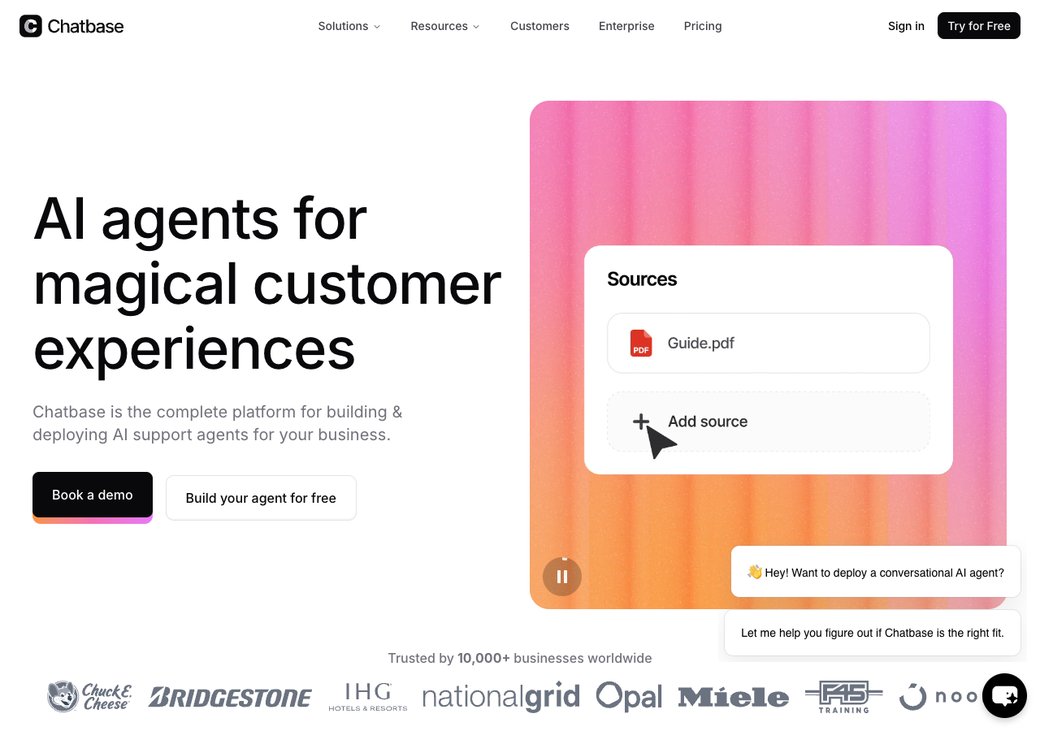
Let us be fair first. Chatbase is genuinely good at one job: turning your help docs into an accurate Q&A bot in minutes. It even added voice in May 2026, so it is no longer chat-only.
The pain is the pricing model and the missing pieces. Chatbase charges per message credit, and credits burn faster on bigger models, so the bill moves with your traffic. It has no built-in CRM, and passing a chat to a human needs a Zapier workaround.
Here is what real users say, in their own words, paraphrased and linked to the source.
- Credits burn at different rates per model, so one viral post can drain a plan fast; one team reported about 18,000 credits gone in a single weekend. (CheckThat.ai)
- Overage stings: extra messages run about $40 per 1,000 and auto-recharge when credits hit zero, so bills jump without warning. (FeatureBase)
- The bot still invents URLs and facts that are not in the training data, with high confidence, despite the retrieval setup. (PagerGPT)
- Support tickets often sit unanswered for weeks or get generic replies, the most repeated complaint across review sites. (SiteGPT review)
- There is no built-in live-agent inbox, so handing a chat to a human means wiring up Zapier or an outside helpdesk. (Botpress review)
- Training data is capped by tier (Free 400KB, Standard 20MB, Pro 60MB), and big knowledge bases hit the wall quickly. (Boei)
- Chatbase answers Q&A well but has no visual flow builder, so conditional logic or multi-step sequences need a third-party tool. (Chatimize)
- Removing the Chatbase badge is pricey at about $99 a month, close to the cost of a full plan. (Chatbase pricing)
- Prices jump in big steps, roughly $40 to $150 to $500 a month, with no public way to test premium features before you pay. (CheckThat.ai)
None of this makes Chatbase a bad product. It makes it a single-purpose bot that gets expensive and limited as you grow. The rest of this guide shows which tool fixes which gap.
How we scored the 8 tools
We weighted the five things buyers actually care about. AI and features count for 30, voice and channels for 20, pricing predictability for 20, ease of setup for 15, and CRM and lead capture for 15.
No tool wins every row. The chart below shows why sem.chat leads for an all-in-one buyer, while specialists like Botpress and Voiceflow score high on their one strength.
Read it this way: a high score means broad value for most teams, not the best at any single task. If you only need one capability, the specialist that owns that row may be the smarter pick.
The real cost reality
This is the clearest reason teams look past Chatbase. Credit pricing looks cheap at the start, then climbs as your bot gets popular.
The chart below estimates a busy month of about 3,000 AI chats. Chatbase shows its Standard plan plus typical overage; flat tools hold their price.
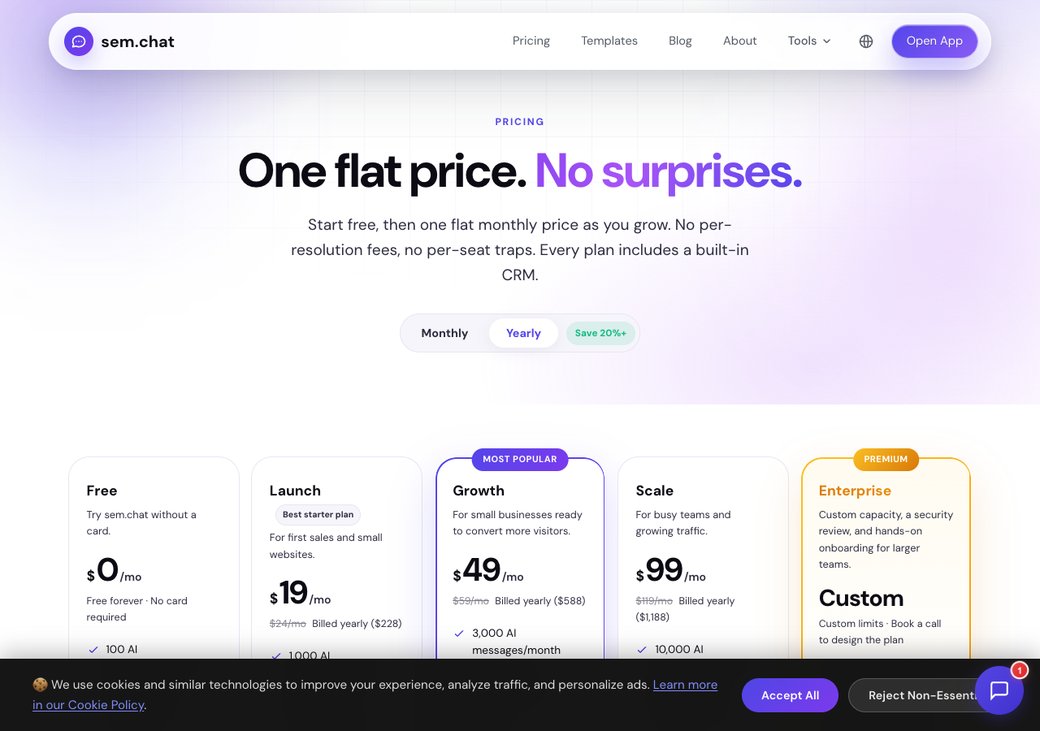
A flat plan removes that surprise. sem.chat stays $59 in a quiet month and a launch month, and that price already includes chat, AI voice and a CRM.
Cheaper bots like Chatling exist, but they answer text only, with no voice and no pipeline. You can pressure-test your own numbers with our SaaS cost savings calculator.
Feature comparison matrix
These are the rows that decide it. Note the capabilities only some tools tick.
| Capability | sem.chat | Chatbase | Best specialist |
|---|---|---|---|
| Train AI on your URLs/docs | Yes | Yes | SiteGPT |
| Real-time AI voice agent | Yes | New (May 2026) | Voiceflow |
| Visual flow builder | Partial | No | Voiceflow |
| Multi-channel (WhatsApp, IG, Telegram) | Yes | Yes | Botpress |
| Native human handoff (built-in inbox) | Yes | No (needs Zapier) | Tidio |
| Built-in CRM (deals, pipelines, quotes) | Yes | No | sem.chat |
| Flat pricing (no per-message meter) | Yes | No | sem.chat |
| Free plan | Yes, no card | 50 credits, one-off | Tidio |
| Compliance (SOC 2, HIPAA) | Partial | Partial | CustomGPT |
The 8 best Chatbase alternatives
Each tool below gets the same honest treatment: who it fits, one standout, one real limitation, the price, and a clear verdict.
1. sem.chat: best all-in-one (chat + voice + CRM) (88/100)
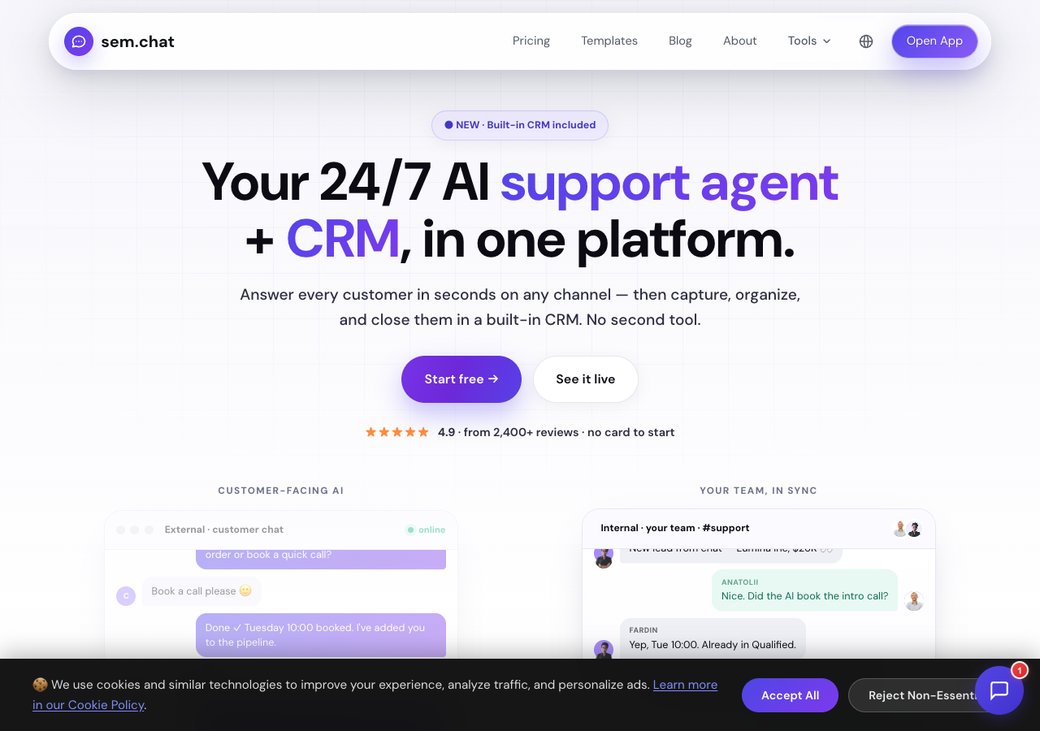
sem.chat is the all-in-one pick. It answers visitors in seconds by chat or by real-time voice, then saves them as contacts in a built-in CRM.
You train the bot the same way you train Chatbase: paste your website URL and it learns your content. The difference is what happens next, because sem.chat also calls, books and tracks the lead.
It fits SMB and mid-market teams that want one tool instead of three.
Key features:
- AI chatbot trained on your website, docs and URLs
- Real-time AI voice agents with 12 natural voices
- Unified inbox across web, WhatsApp, Instagram, Telegram and Messenger
- Built-in CRM with deals, pipelines and quotes
- Calendly-style scheduling and lead capture
- 17-language auto-translation
Standout: chat, voice and a CRM share one flat-priced workspace, so nothing bolts on later.
Limitation (honest): sem.chat is newer, so it has fewer third-party reviews, and it is not a heavy enterprise ticketing suite. Judge it on a hands-on trial of your own conversations.
| Plan | Price (as of June 2026) | What you get |
|---|---|---|
| Free | $0 | AI chatbot, 1 seat, sem.chat badge |
| Launch | $24/mo | Chat + voice, CRM, badge removed |
| Growth | $59/mo | Higher volume, multi-channel, scheduling |
| Scale | $119/mo | High volume, more team seats |
| Enterprise | Custom | SSO, SLA, onboarding |
See the live tiers on the pricing page.
| Pros | Cons |
|---|---|
| Chat plus real-time voice in one tool | Fewer public reviews than older tools |
| Built-in CRM, scheduling and multi-channel inbox | Not a heavy enterprise ticketing suite |
| Flat price, no per-message meter | Voice cloning and avatars are still maturing |
2. Botpress: best for developers (78/100)
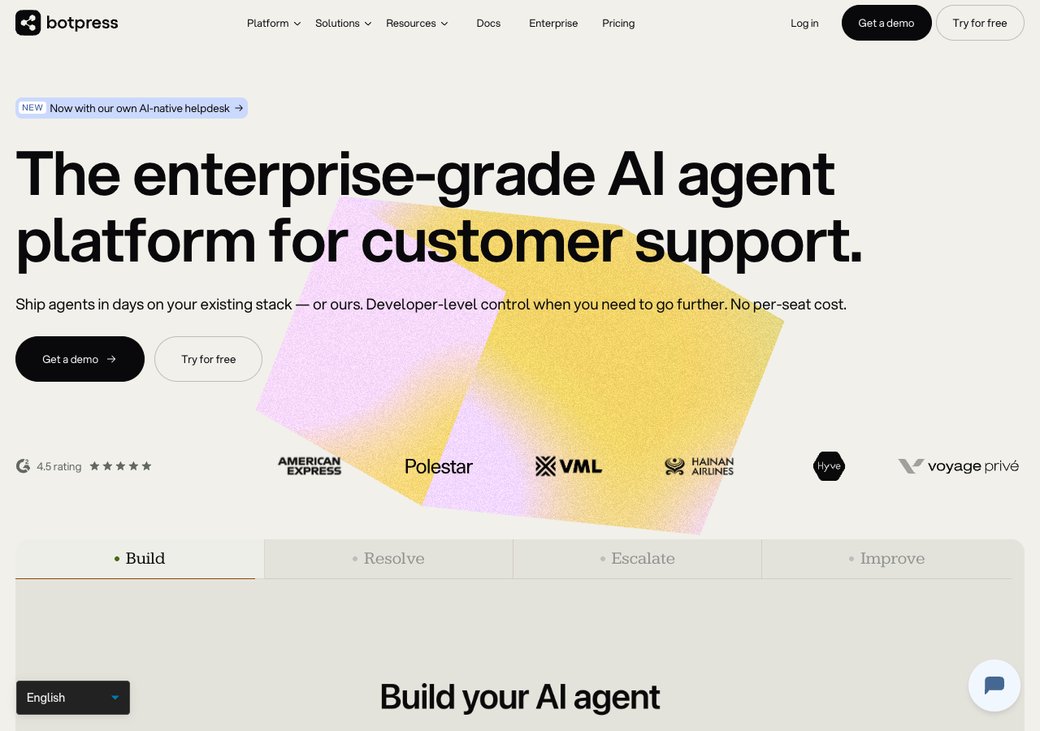
Botpress is the power tool. It gives developers a visual studio plus full code access, and you can self-host the open-source core for free.
Next to Chatbase, it trades easy setup for deep control. You can swap models, write custom logic and own your data.
Key features:
- Visual flow studio plus pro-code SDKs (JavaScript, Python)
- Your choice of model: GPT, Claude or open models
- 10+ native channels, including WhatsApp and Telegram
- Self-hosting on your own infrastructure
- Webhooks, custom code and multi-agent orchestration
Standout: open-source control and self-hosting that no other tool here matches.
Limitation: non-technical teams hit a steep learning curve, and you pay for AI tokens on top of the plan, so costs vary. (G2 4.5, 470 reviews.)
| Plan | Price (as of June 2026) | What you get |
|---|---|---|
| Pay-as-you-go | Free base | Visual studio, 1 bot, AI billed by usage |
| Plus | $89/mo | Extra bot and collaborator, cheaper AI add-ons |
| Team | $495/mo | Live-agent handoff, RBAC, collaboration |
| Enterprise | Custom | SSO, SLA, dedicated support |
AI model tokens cost extra on every tier.
| Pros | Cons |
|---|---|
| Open-source and self-hostable | Steep learning curve for non-coders |
| Deep custom logic and model choice | AI tokens billed on top, so costs vary |
| Strong multi-channel support | Overkill for a simple FAQ bot |
3. Voiceflow: best visual builder (77/100)
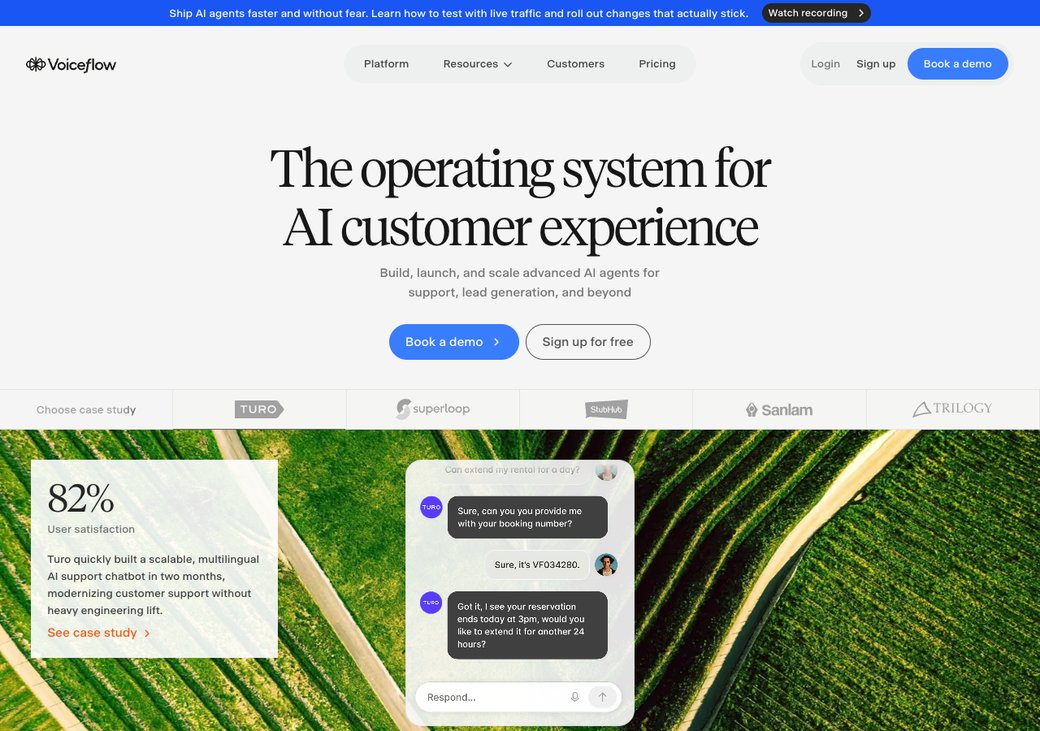
Voiceflow wins on design. Its drag-and-drop builder makes complex, multi-step flows easy to map.
It handles both chat and voice agents, so product teams and agencies prototype fast. Chatbase cannot build branching logic like this.
Key features:
- Drag-and-drop visual flow builder
- Chat and voice agents on one canvas
- Deploy to web, mobile, WhatsApp, Slack and Messenger
- GPT, Claude and other model support
- Version history and team permissions
Standout: reviewers rate it the easiest builder in the category (G2 4.7, Capterra 4.8).
Limitation: it gets expensive for simple bots, and service stops the moment your monthly credits run out.
| Plan | Price (as of June 2026) | What you get |
|---|---|---|
| Starter | Free | 1 editor, limited monthly credits |
| Pro | $50/mo | 10,000 credits, up to 20 agents |
| Business | $150/mo | 30,000 credits, unlimited agents, priority support |
| Enterprise | Custom | SSO, unlimited credits, account manager |
Phone calls burn about 10 credits a minute, and credits do not roll over.
| Pros | Cons |
|---|---|
| Best-in-class visual builder | Pricey for simple use cases |
| Chat and voice in one tool | Service halts when credits run out |
| Praised onboarding and docs | Extra editors cost more |
4. Tidio (Lyro): best for ecommerce chat (72/100)
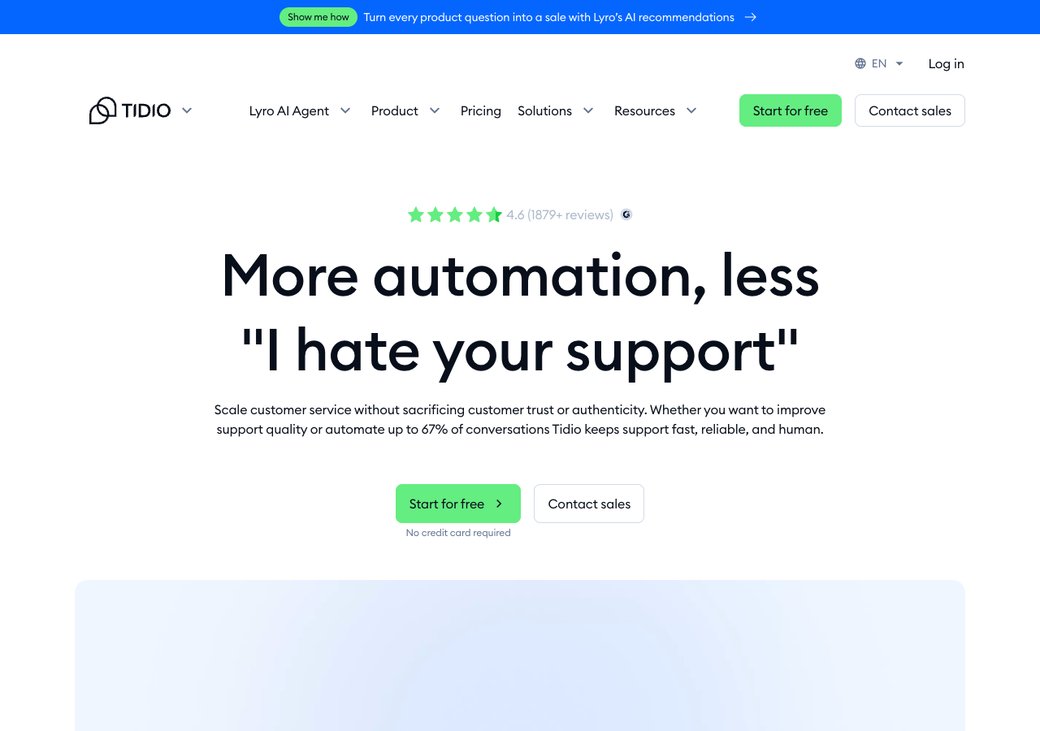
Tidio blends live chat, chatbot flows and the Lyro AI agent. It shines for small online stores.
The Shopify integration lets agents see orders and act inside the chat. That makes it a better ecommerce fit than Chatbase.
Key features:
- Live chat with visitor tracking and triggers
- Lyro AI agent trained on your help center
- Visual chatbot Flows with 40+ templates
- Omnichannel: web, Messenger, WhatsApp, Instagram
- Deep Shopify and ecommerce sync
Standout: a unified inbox plus deep ecommerce sync (G2 4.6, 1,880 reviews). See our full Tidio alternatives guide.
Limitation: the base price hides the real cost, because Lyro AI adds about $39 and Flows about $29 on top.
| Plan | Price (as of June 2026) | What you get |
|---|---|---|
| Free | $0 | Live chat, limited Lyro AI chats |
| Starter | $29/mo | Live chat, basic automation |
| Growth | $59/mo | More seats and analytics |
| Plus | from $749/mo | Custom limits, dedicated support |
| Add-ons | +$39 Lyro, +$29 Flows | Stack on any plan |
| Pros | Cons |
|---|---|
| Easy setup, polished inbox | Add-ons inflate the real price |
| Strong ecommerce and Shopify fit | Big jump from Growth to Plus |
| Huge review base | Weak for voice or developer needs |
5. SiteGPT: best cheap FAQ bot (66/100)
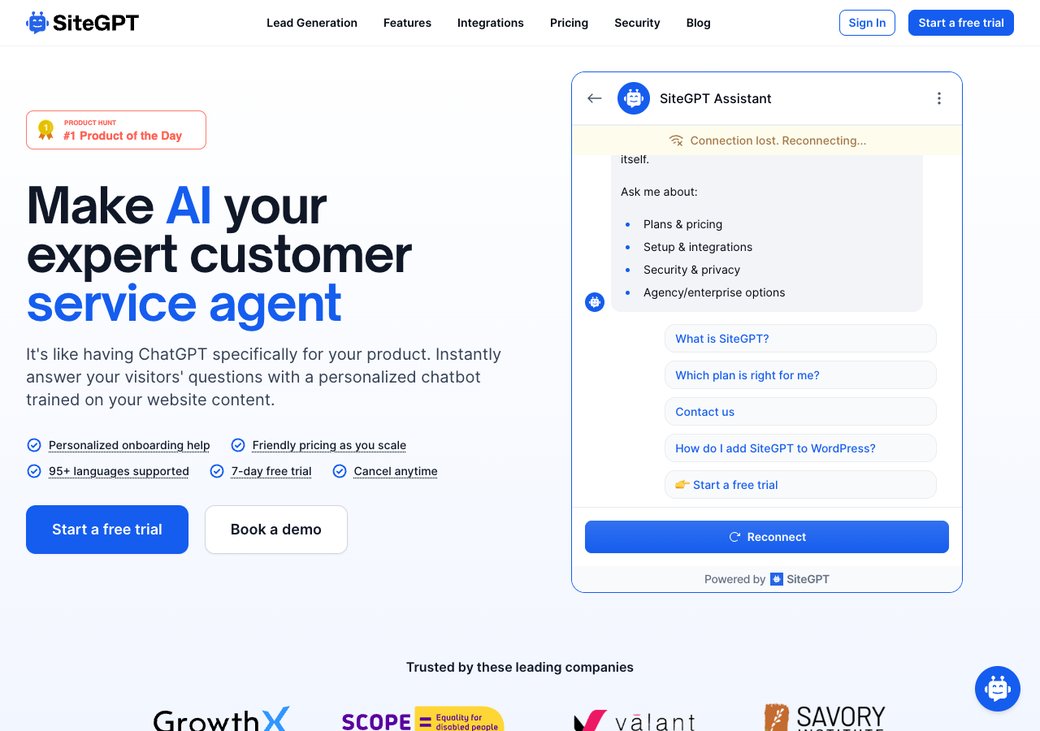
SiteGPT is the budget Chatbase clone. It trains on your site and docs, then sets up in about two minutes.
It supports 95+ languages and a cheaper mini model. If you only need an FAQ bot, it does the job for less.
Key features:
- Train on websites, files, Google Drive and Notion
- 95+ languages out of the box
- A cheaper mini model option per message
- Lead capture and filtered conversation logs
- Zapier, Slack and Calendly integrations
Standout: a low price for a doc-trained bot, with fast setup (G2 4.6).
Limitation: it has a smaller app ecosystem than Chatbase, and no voice or CRM.
| Plan | Price (as of June 2026) | What you get |
|---|---|---|
| Starter | $39/mo | 4,000 messages, 1 chatbot |
| Growth | $79/mo | 10,000 messages |
| Scale | $259/mo | 40,000 messages |
| Enterprise | Custom | Up to 10,000 chatbots |
| Pros | Cons |
|---|---|
| Cheap and fast to set up | Small integration ecosystem |
| Strong multilingual support | No voice or CRM |
| Good for simple FAQ bots | Limited automation |
6. Chatling: best low-budget pick (63/100)
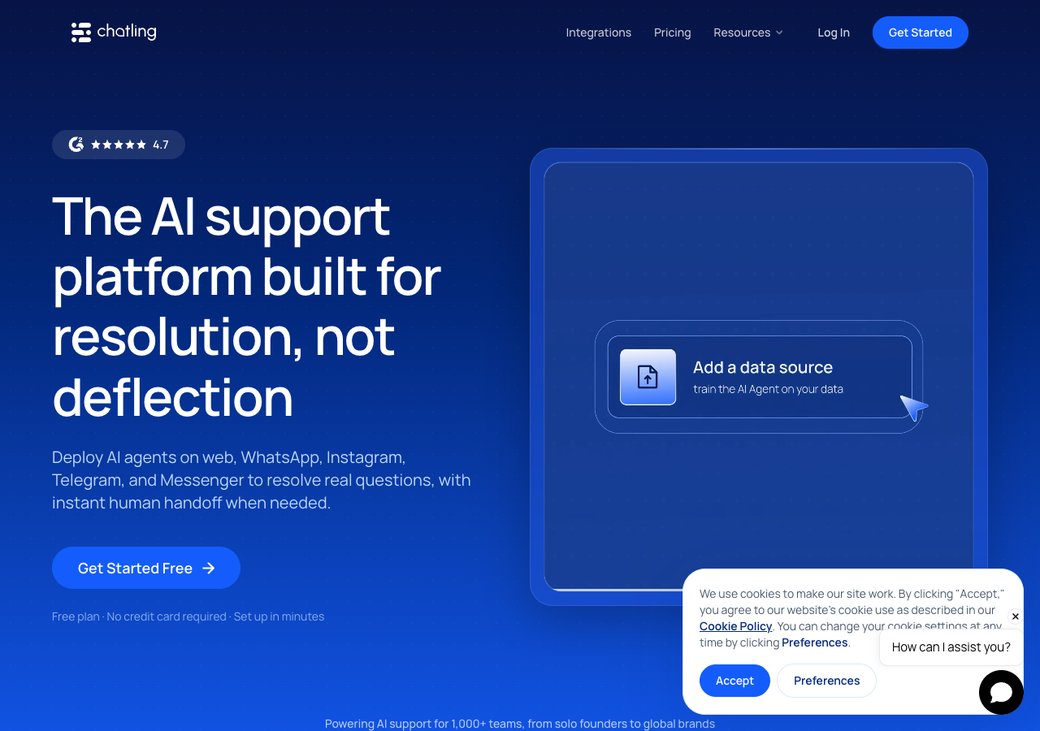
Chatling keeps it simple and cheap. It trains on your content and adds a visual flow builder.
It ships a website, WhatsApp and Telegram widget, and users praise how easy it is. It is a fine first bot on a tight budget.
Key features:
- No-code training on docs, PDFs and URLs
- Visual drag-and-drop flow builder
- 85+ languages
- Website, WhatsApp and Telegram widgets
- Lead capture and conversation history
Standout: a friendly, low-cost entry point that users praise for ease (G2 4.7).
Limitation: it offers fewer integrations and lighter analytics than Chatbase.
| Plan | Price (as of June 2026) | What you get |
|---|---|---|
| Free | $0 | Limited chats and features |
| Basic | from ~$25/mo | More messages, flow builder, branding control |
| Pro / Business | Higher tiers | See the Chatling pricing page |
| Pros | Cons |
|---|---|
| Very low entry price | Fewer integrations |
| Easy, friendly setup | Lighter analytics |
| Free plan to start | Less suited to scale |
7. Intercom Fin: best enterprise ticket resolver (74/100)
Intercom Fin plays a different game. It plugs into your existing helpdesk and resolves support tickets.
It charges only when it actually solves a ticket. That outcome-based model suits big support teams, not lead-gen bots.
Key features:
- Resolves tickets inside any helpdesk
- Pay only for successful resolutions
- Handles refunds, disputes and troubleshooting
- No-code setup with high deflection
- Works alongside human agents
Standout: it resolves roughly two-thirds of tickets and ranks as G2's #1 AI agent. Read our deeper Intercom alternatives guide.
Limitation: the $0.99 per-resolution fee stacks fast at high volume, so the bill grows as the bot improves.
| Plan | Price (as of June 2026) | What you get |
|---|---|---|
| Fin AI | $0.99 / resolution | Pay only when Fin resolves (50/mo minimum) |
| Essential | from $29/seat/mo | Helpdesk, ticketing, automation |
| Advanced / Expert | Higher seat tiers | See the Intercom pricing page |
| Pros | Cons |
|---|---|
| Outcome-based pricing | Cost grows with volume |
| High resolution rate | Pricey for small teams |
| Works in any helpdesk | Overkill for marketing bots |
8. CustomGPT.ai: best for compliance and accuracy (68/100)
CustomGPT.ai targets regulated teams. It builds assistants that cite their sources to cut made-up answers.
"RAG" just means the bot answers only from your approved documents. CustomGPT ships SOC 2 and GDPR coverage on top.
Key features:
- Answers with citations to cut hallucinations
- Ingests 1,400+ document formats
- 93 languages
- SOC 2 and GDPR compliant
- Zapier and Zendesk integrations
Standout: answers come with citations, which accuracy-critical teams need.
Limitation: the entry price is high and setup leans enterprise, so small teams find it heavy.
| Plan | Price (as of June 2026) | What you get |
|---|---|---|
| Starter | $29/mo | 1 chatbot, 1,000 queries |
| Standard | $99/mo | 10 agents, more queries |
| Premium | $499/mo | 25 agents, 5,000 queries |
| Enterprise | Custom | SSO, SLA, compliance |
| Pros | Cons |
|---|---|
| Citations cut hallucinations | High entry price |
| Strong compliance coverage | Enterprise-leaning setup |
| Broad document support | Heavy for small teams |
How to choose
Map your need to a pick instead of debating in the abstract. The grid below does it in one glance.
If you want pre-built playbooks to test with, browse our free templates. To see where these tools land on price and breadth, check the map below.
sem.chat vs Chatbase, head to head
This is the comparison most readers came for. Both train a bot on your content, so the everyday answers land in the same place.
The difference is reach and price. sem.chat adds real-time voice, a built-in CRM and a human inbox, and it bills one flat price instead of per message.
To be fair, Chatbase is simpler if all you want is a website Q&A widget, and its free tier lets you try it with no card. sem.chat wins when you want that bot to also call, capture and convert, at a price you can predict.
Switching from Chatbase to sem.chat
Moving is a few days of planning, not weeks. Be honest about the work, and run both tools side by side during the change.
The steps are simple, and they follow the 90-day plan below.
- Export your Chatbase content and chat logs.
- Retrain sem.chat by pasting your website or help-center URL.
- Pilot on one page before you go wide.
- Run parallel for a week so nothing slips.
- Cut over and point your widget at sem.chat.
The friction is real but small: a historical export is rarely a perfect 1:1, and you will prune and re-tag content as you go. The 90-day plan below paces it so you are never firefighting.
Frequently asked questions
What is the best free Chatbase alternative?
For a true free tier, Tidio and Chatling both offer one, and sem.chat has a free plan with no card. SiteGPT and Voiceflow start free too, but limits kick in quickly.
Why is Chatbase so expensive at scale?
Chatbase bills per message credit, and credits burn faster on bigger models. A busy month triggers overage at about $40 per 1,000 messages, so the bill climbs with your traffic.
Does any Chatbase alternative do AI voice?
Yes. sem.chat ships real-time AI voice agents as a core feature, and Voiceflow builds voice flows too. Chatbase added voice in May 2026, but it is brand new.
Which alternative is best for developers?
Botpress. It is open-source, self-hostable, and gives full code access for custom agents.
Can I keep my Chatbase training data when I switch?
You re-train rather than copy, but it is fast. You point the new tool at the same URLs and docs, then prune as needed. Expect a week of cleanup, not a month.
Which tool has a built-in CRM?
sem.chat. It captures every chat as a contact, then moves it through deals, pipelines and quotes in the same place. Chatbase has no CRM and needs Zapier to push leads out.
Final verdict
There is no single winner here, only the right fit. Most teams leaving Chatbase want more than a Q&A widget, and that is where sem.chat earns the top spot.
Our pick for most readers: sem.chat gives you AI chat, real-time voice and a built-in CRM at a flat, predictable price. You can start a free sem.chat trial in minutes with no card. If you need a developer framework, a visual designer or pure enterprise ticket resolution, the specialists above win those rows, and our sister guides to Tidio, Zendesk and Intercom alternatives cover the wider field.




